

Authentication
The Percy API is based on the JSON API standard and organized around the REST design.
Note: API base URL
https://percy.io/api/v1
Authenticate with a project token
The Percy API uses API tokens to authenticate. They are passed in as HTTP Authorization request headers.
Note: Authorization header format
Authorization: Token ${PERCY_TOKEN}
Percy currently authenticates with three project token types:
| Write-only | Read-only | Full-access |
|---|---|---|
| Create builds | Read builds | |
| Create snapshots | Download snapshots | All project read and write functions |
| SDK use | API use |
A project token can only access its own project. Note the following limits on each token type:
- A write-only token can’t read builds, snapshots, or comparisons. Read requests with a write-only token return
403. - A read-only token can’t create or modify builds or snapshots.
- A full-access token can’t approve builds. You must use BrowserStack credentials to approve a build.
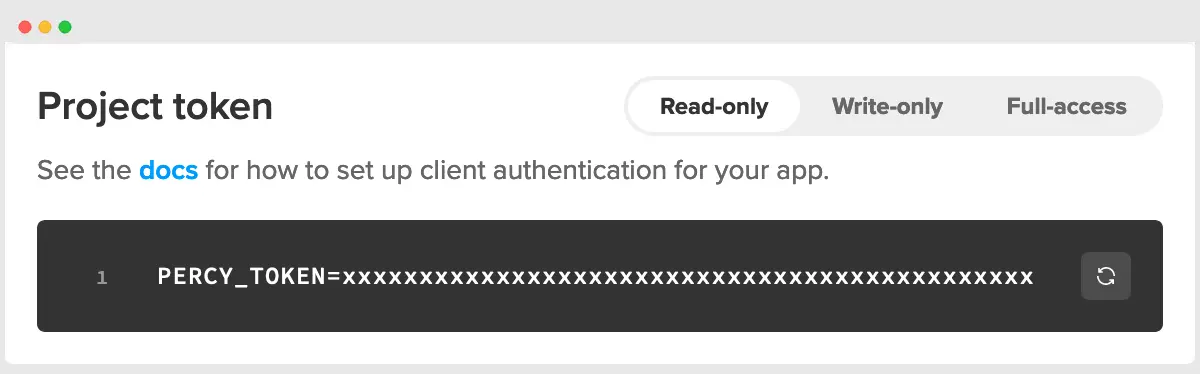
The tokens for a particular project can be found on its Project Settings page.
Authenticate with BrowserStack credentials
You can also authenticate as a user with HTTP Basic auth, using your BrowserStack username and access key. The request has the same permissions that you have on the Percy dashboard across all the projects you can access.
Note: Authorization header format
Authorization: Basic $(echo -n '<username>:<accesskey>' | base64)
Find your username and access key on the BrowserStack profile page.
Curl Request
curl --location 'https://percy.io/api/v1/builds/<build_id>' \
--header "Authorization: Basic $(echo -n '<username>:<accesskey>' | base64)"
Use BrowserStack credentials for actions that you perform as a user, such as approving a build. Some endpoints, such as Network logs, accept only BrowserStack credentials. For automation that works with a single project, use a project token.
We're sorry to hear that. Please share your feedback so we can do better
Contact our Support team for immediate help while we work on improving our docs.