
 Join our Discord
Check contrast
Identify color contrast issues on text layers and non-text layers
BrowserStack’s Accessibility Design Toolkit helps identify color contrast issues on text and non-text elements in Figma. The toolkit instantaneously identifies the WCAG AA and AAA pass/fail status for color contrast issues. If the plugin detects a color contrast issue, it suggests accessible color combinations. You can apply a suggestion without leaving the plugin.
Color contrast on text elements
To check for contrast issues in text layers, follow these steps:
- Select the text layer you want to check.
- In the plugin, select Text Contrast. On selection, the toolkit immediately highlights the WCAG AA and AAA pass/fail status for color contrast on the selected text layer.
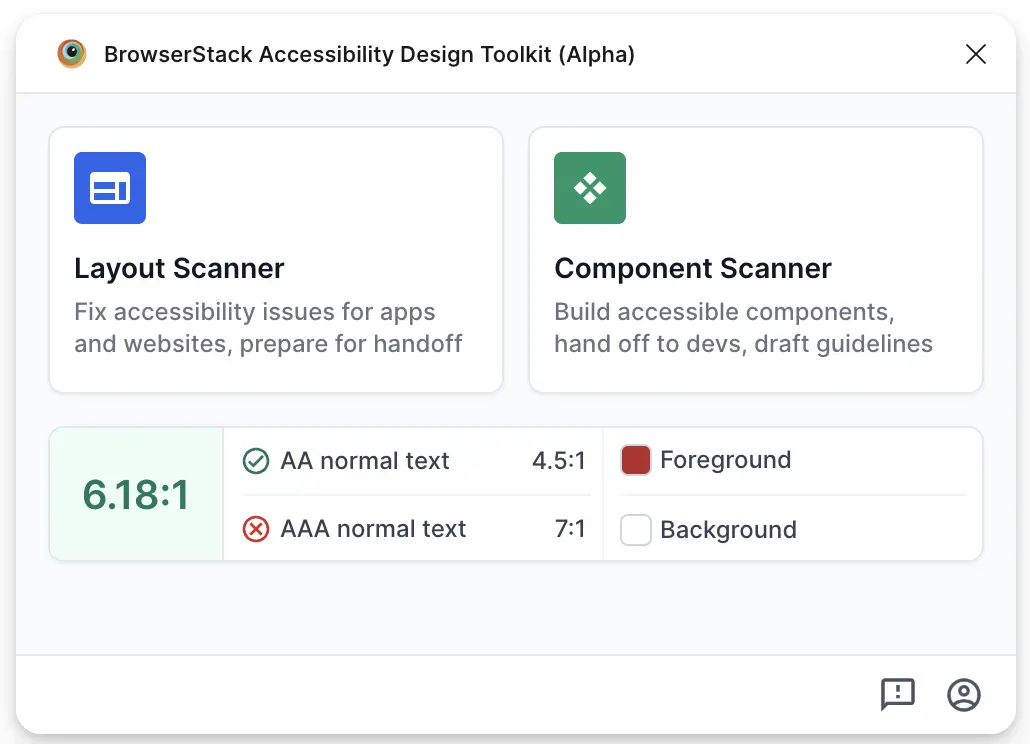
- Apply one of the color suggestion to the text layer.
- Click Mark as done.
Color contrast on non-text elements
To check for contrast issues in text layers, follow these steps:
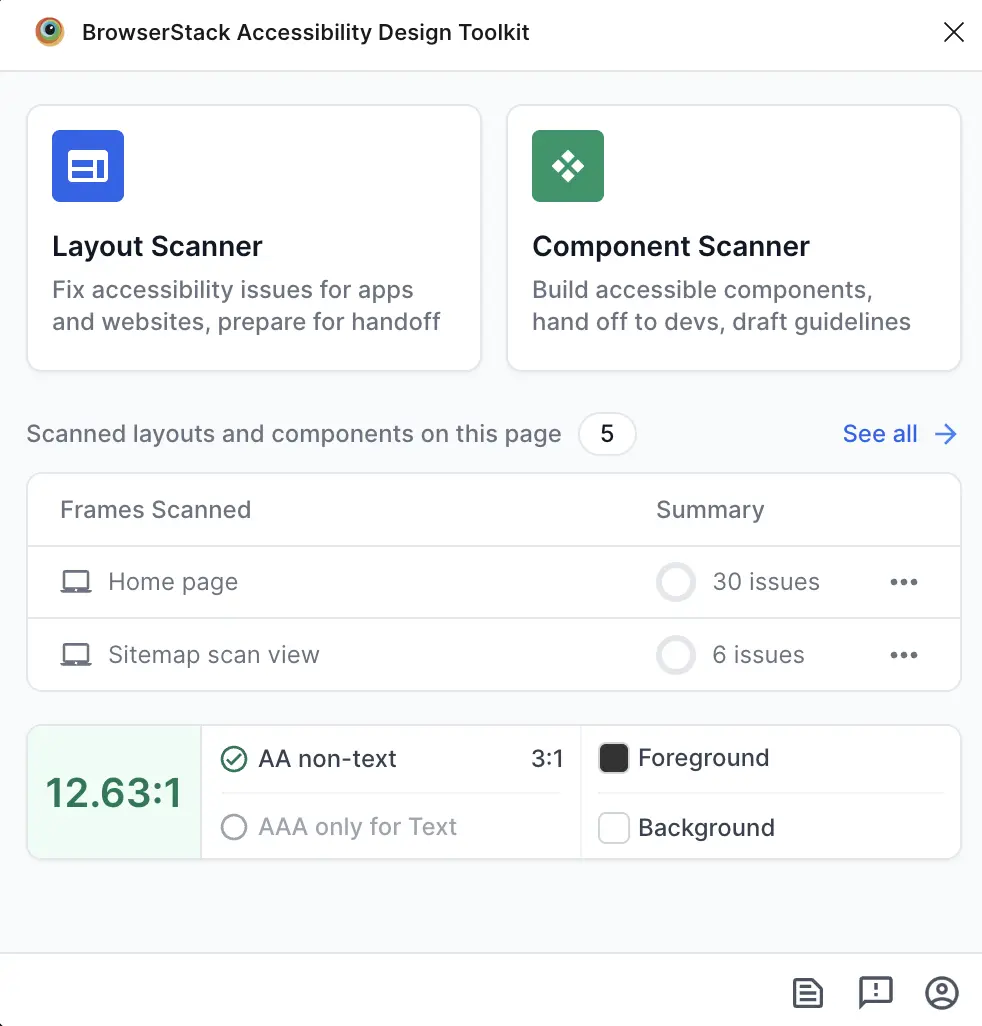
- Select the non-text layer you want to check.
-
The toolkit highlights the WCAG AA and AAA pass/fail status for color contrast on the selected non-text layer.
We're sorry to hear that. Please share your feedback so we can do better
Contact our Support team for immediate help while we work on improving our docs.
We're continuously improving our docs. We'd love to know what you liked
We're sorry to hear that. Please share your feedback so we can do better
Contact our Support team for immediate help while we work on improving our docs.
We're continuously improving our docs. We'd love to know what you liked
Thank you for your valuable feedback!