
 Join our Discord
Run your first test
Run your first Mobilewright test on BrowserStack App Automate real devices.
In this section, you’ll configure the @browserstack/mobilewright driver, set your BrowserStack credentials, and run your first automated test on real devices. Each step below takes you from initial setup to viewing your results on the App Automate dashboard.
Mobilewright support on BrowserStack App Automate is currently in Beta.
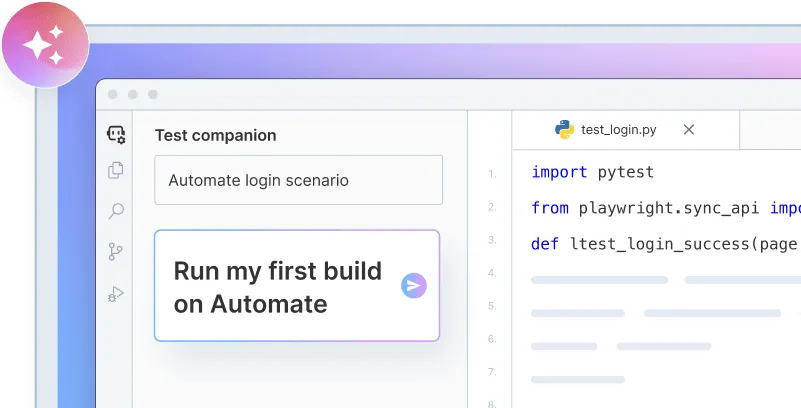
Onboard faster with Test Companion
Launch in your IDE. Chat with the AI assistant to configure and run your first build instantly.
Prerequisites
Before you begin, make sure you have:
-
An existing Mobilewright project (
@mobilewright/testcomes with your Mobilewright setup). Mobilewright version 0.0.53 or later. -
BrowserStack Username and Access key, which you can find in your account profile. If you have not created an account yet, you can sign up for a Free Trial.
Install the BrowserStack driver
Install @browserstack/mobilewright into your existing Mobilewright project:
Set your credentials
Export your BrowserStack Username and Access key as environment variables:
Configure the driver
A BrowserStack run uses the same mobilewright.config.ts as any other Mobilewright project, alongside your usual testDir and bundleId settings.
Import browserStackDriver from @browserstack/mobilewright and assign it to driver:
The browserStackDriver() function accepts the following options:
-
app: the build under test. Give it abs://URL from a previous upload, a filesystem path to a local.apkor.ipa, or a publichttps://URL. A local file is packaged and sent to BrowserStack the first time a run needs it, not on every run. If you omitapphere, the driver falls back to theBROWSERSTACK_APPenvironment variable. -
project: a name that groups this run’s sessions together on the App Automate dashboard. -
usernameandaccessKey: only required here if you’d rather not rely on theBROWSERSTACK_USERNAMEandBROWSERSTACK_ACCESS_KEYenvironment variables you set earlier.
Device selection itself still uses Mobilewright’s regular config fields: deviceName matches a device name against a regex pattern, osVersion accepts a range expression such as ">=17 <19", and deviceType is always real for App Automate.
The rest of the file is standard Mobilewright test-runner configuration, unrelated to the driver. See the Mobilewright configurations reference for the config file resolution order, testMatch, timeout, reporter, and the use and expect blocks.
Run your test
A local .apk or .ipa referenced by your config is packaged and uploaded the first time a BrowserStack run needs it. When the driver is BrowserStack’s, Mobilewright also skips the mid-session app reinstall step it normally performs between local test runs.
A few other flags come in handy once you’re past your first run:
View test results
BrowserStack names each session after the tests it contained and marks it passed or failed once the run finishes, printing a dashboard link to your terminal output. Visit the App Automate dashboard to browse a session’s video, device logs, and network logs.
We're sorry to hear that. Please share your feedback so we can do better
Contact our Support team for immediate help while we work on improving our docs.
We're continuously improving our docs. We'd love to know what you liked
We're sorry to hear that. Please share your feedback so we can do better
Contact our Support team for immediate help while we work on improving our docs.
We're continuously improving our docs. We'd love to know what you liked
Thank you for your valuable feedback!