
 Join our Discord
Upload apps in App Low Code Automation
Learn how to upload, and manage mobile apps for automated testing on real devices using BrowserStack App Low Code Automation.
Use App Low Code Automation to upload your mobile apps and test them on real devices. This guide explains which app formats you can use, and provides step-by-step instructions for uploading and managing your apps.
Types of apps supported
You can test the following native mobile app formats:
- .ipa (iOS)
- .apk (Android)
- We support native apps. Other frameworks, such as React Native, Flutter, and Ionic, are experimental.
- Whether you upload an IPA or APK file for test creation, your tests execute correctly on both iOS and Android devices.
- You can upload apps up to 1 GB in size.
How to upload apps
To upload your app to App Low Code Automation:
- On the Low Code Automation dashboard, select the device model from the dropdown menus.
- Click the Start test> button to launch the real device on the screen. It connects to the real device on cloud.
- In the Upload Apps modal, click Upload.
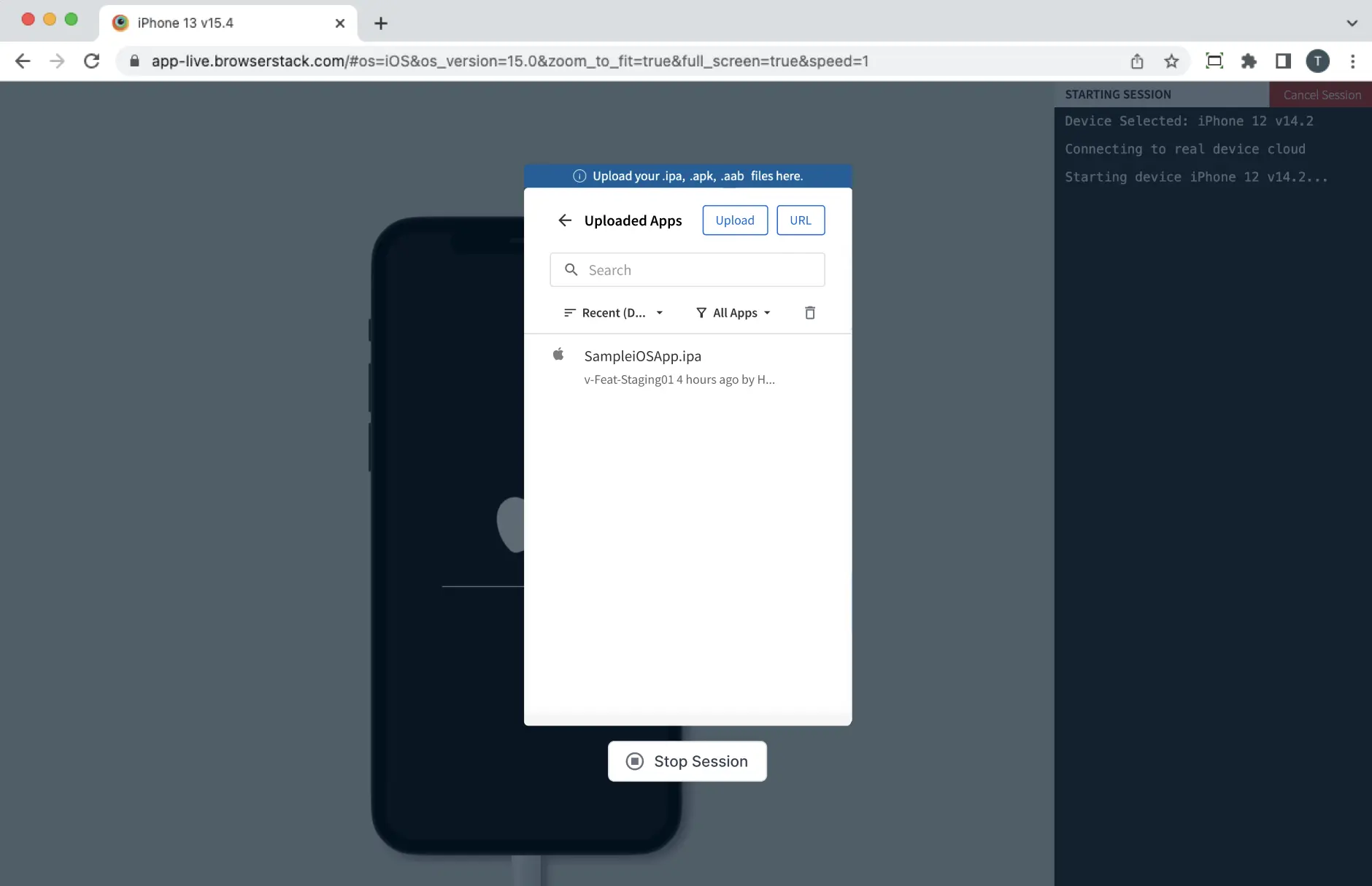
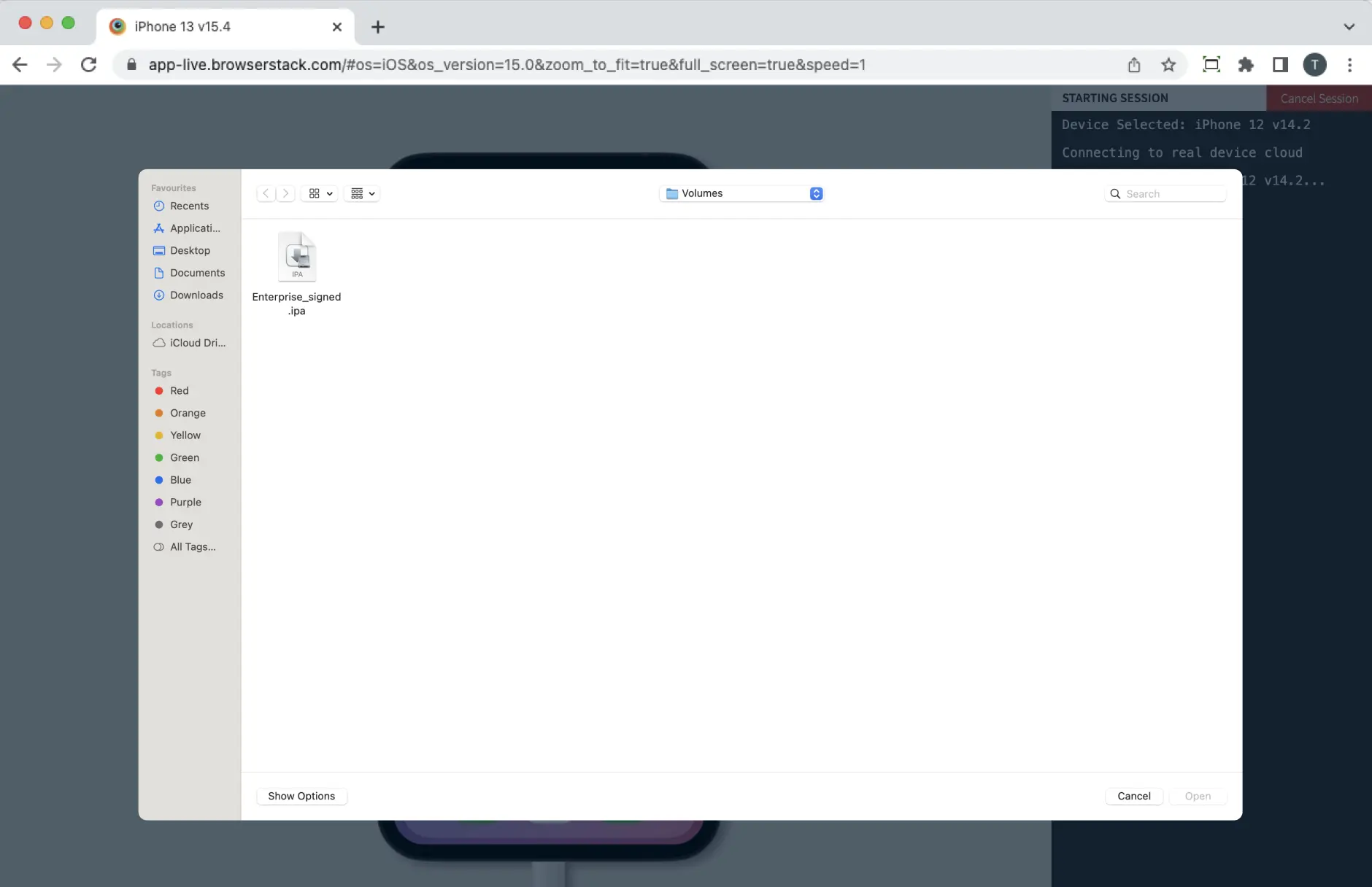
- Select your app file (.ipa or .apk), paste a URL.
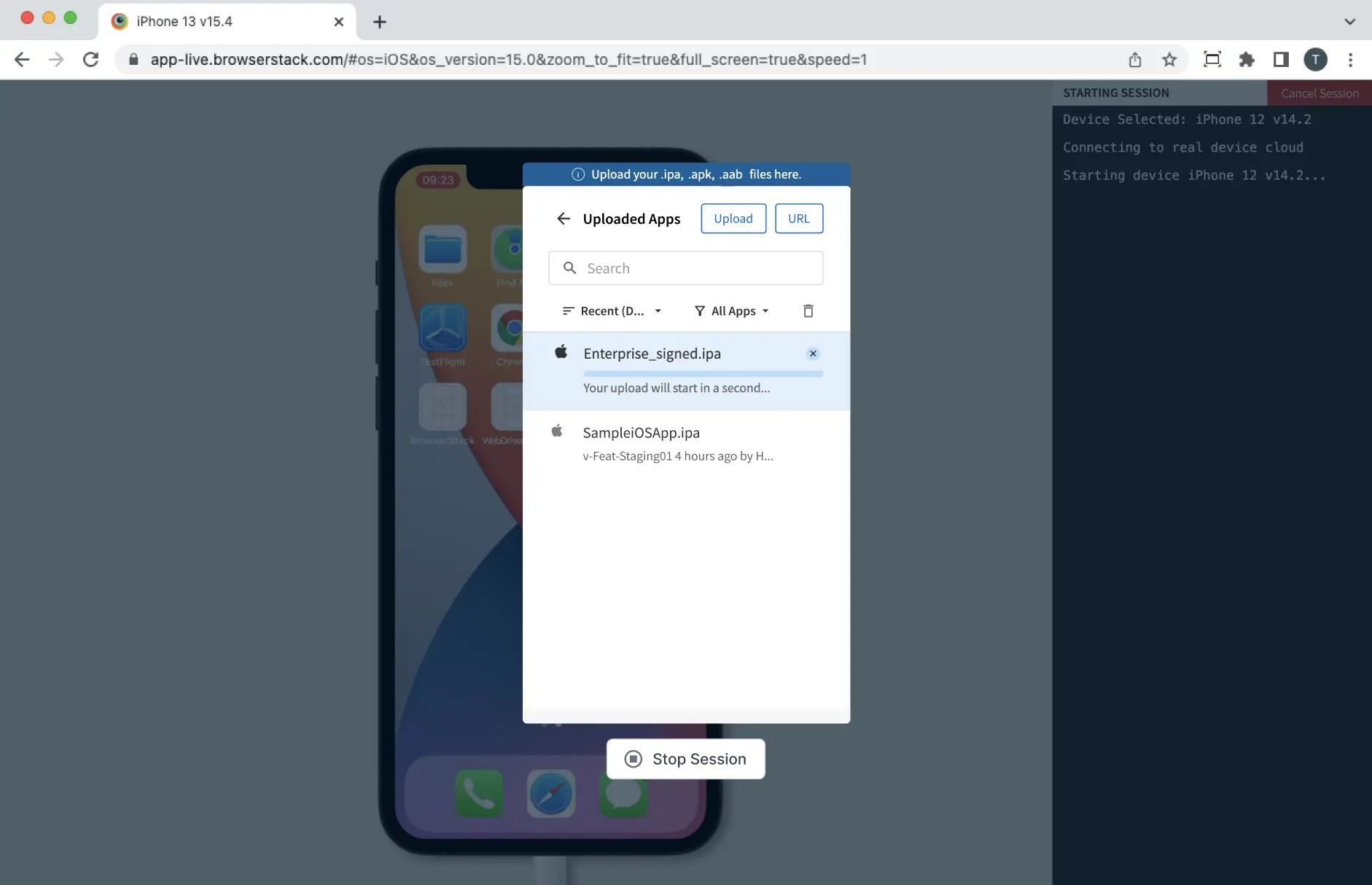
 The Uploaded Apps modal displays your selected file and upload progress.
- After the upload completes, you see a confirmation message: Build uploaded successfully.
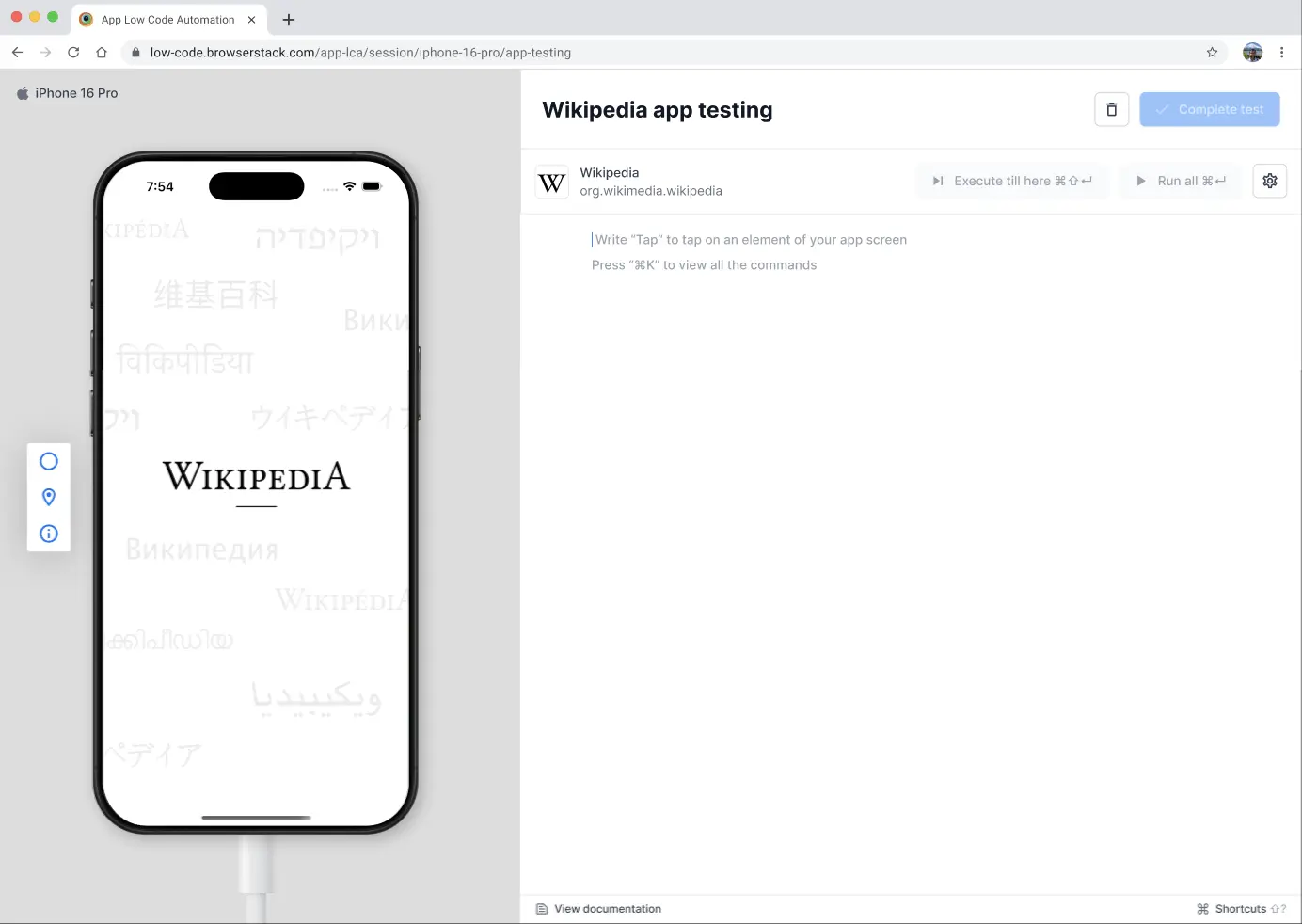
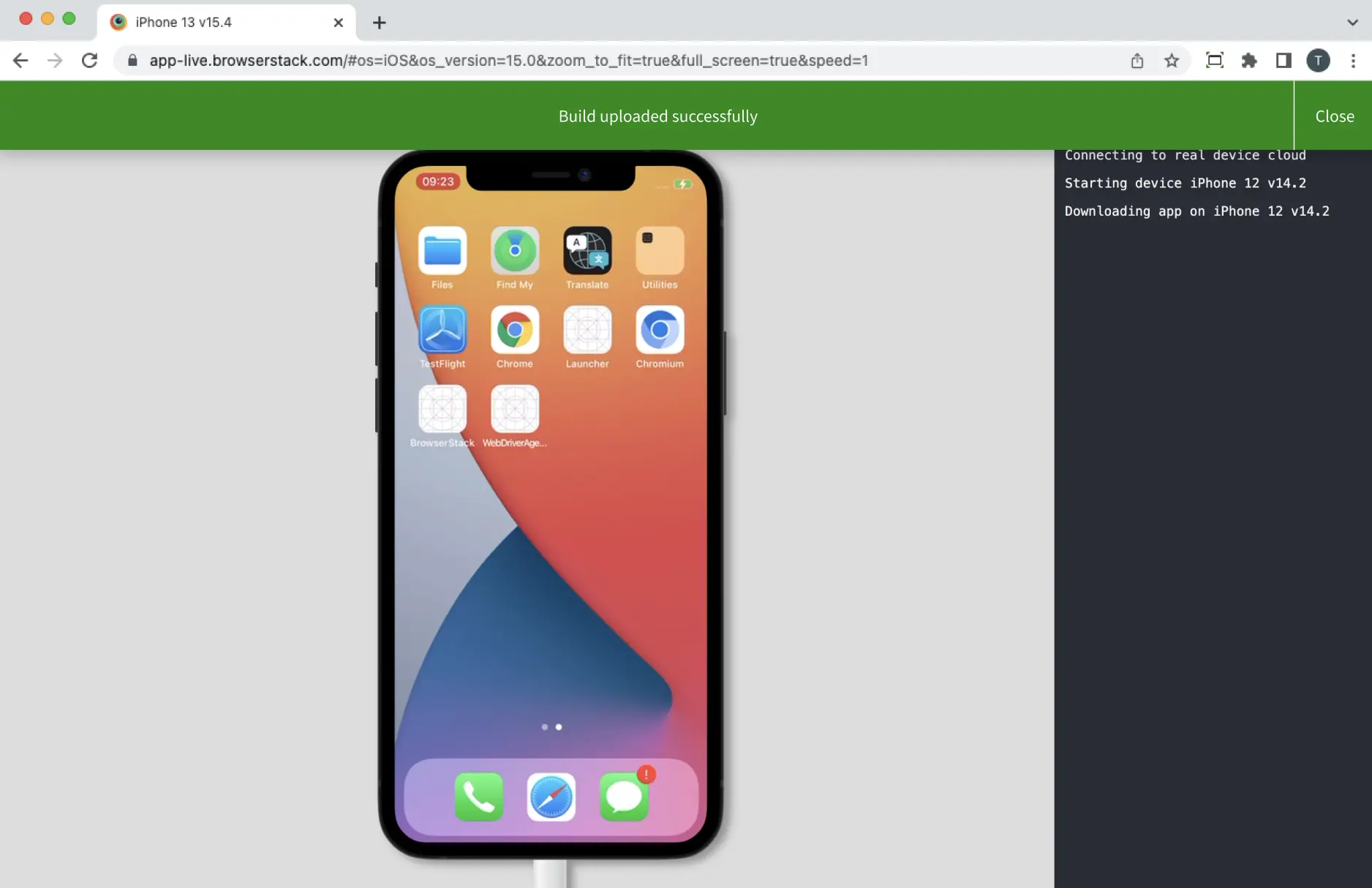 Your app launches on the device. The test authoring interface appears, allowing you to start writing your test steps.
App expiry
Uploaded apps remain available for 30 days from the upload date. After this period, App Low Code Automation automatically deletes expired apps to optimize storage and nd ensure you are using recent builds. You receive expiry warnings before an app expires, allowing you to re-upload. and avoid interruptions. If you do not upload a new version, any scheduled builds using the expired app are paused until you update the app.
App expiry warnings
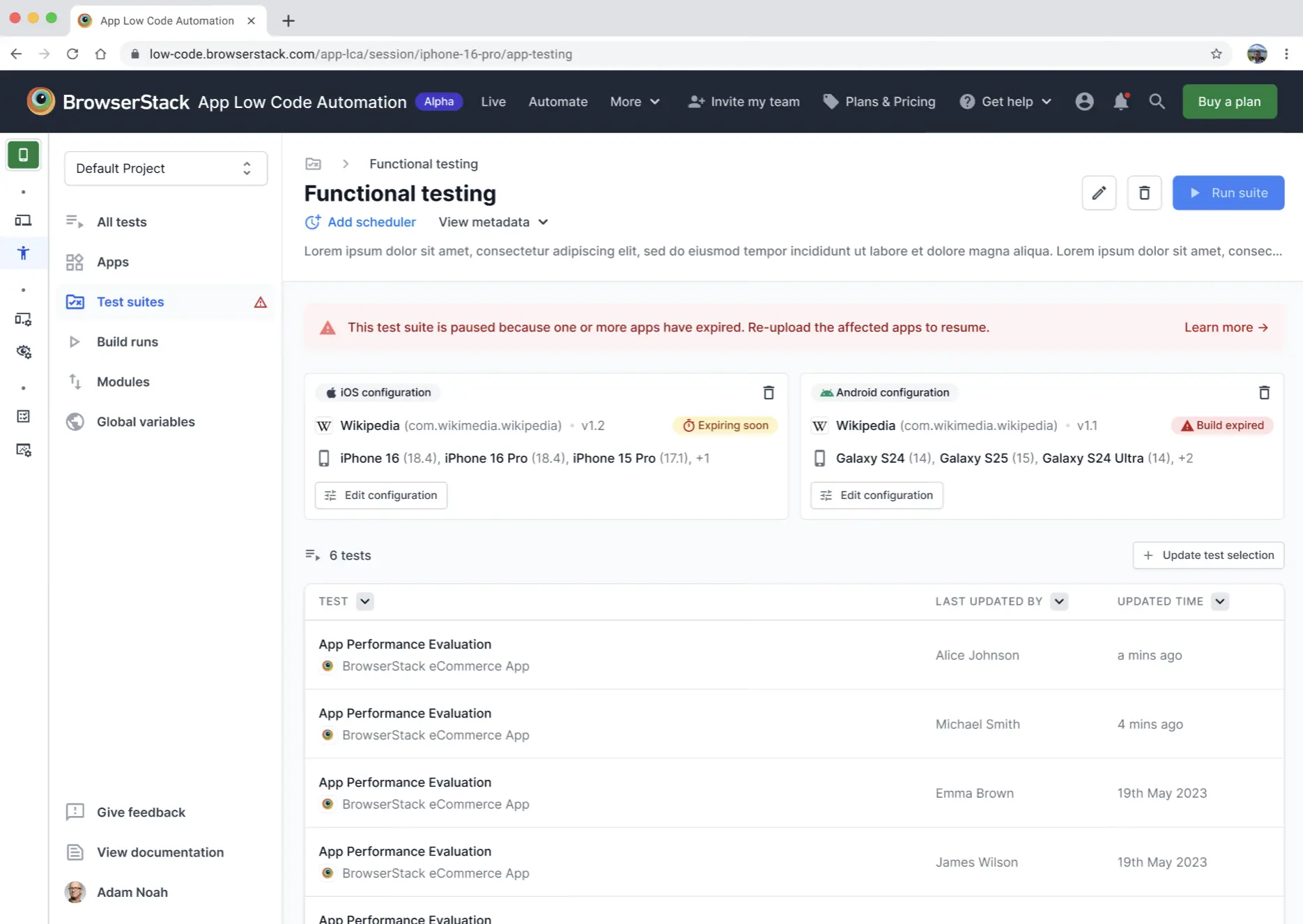
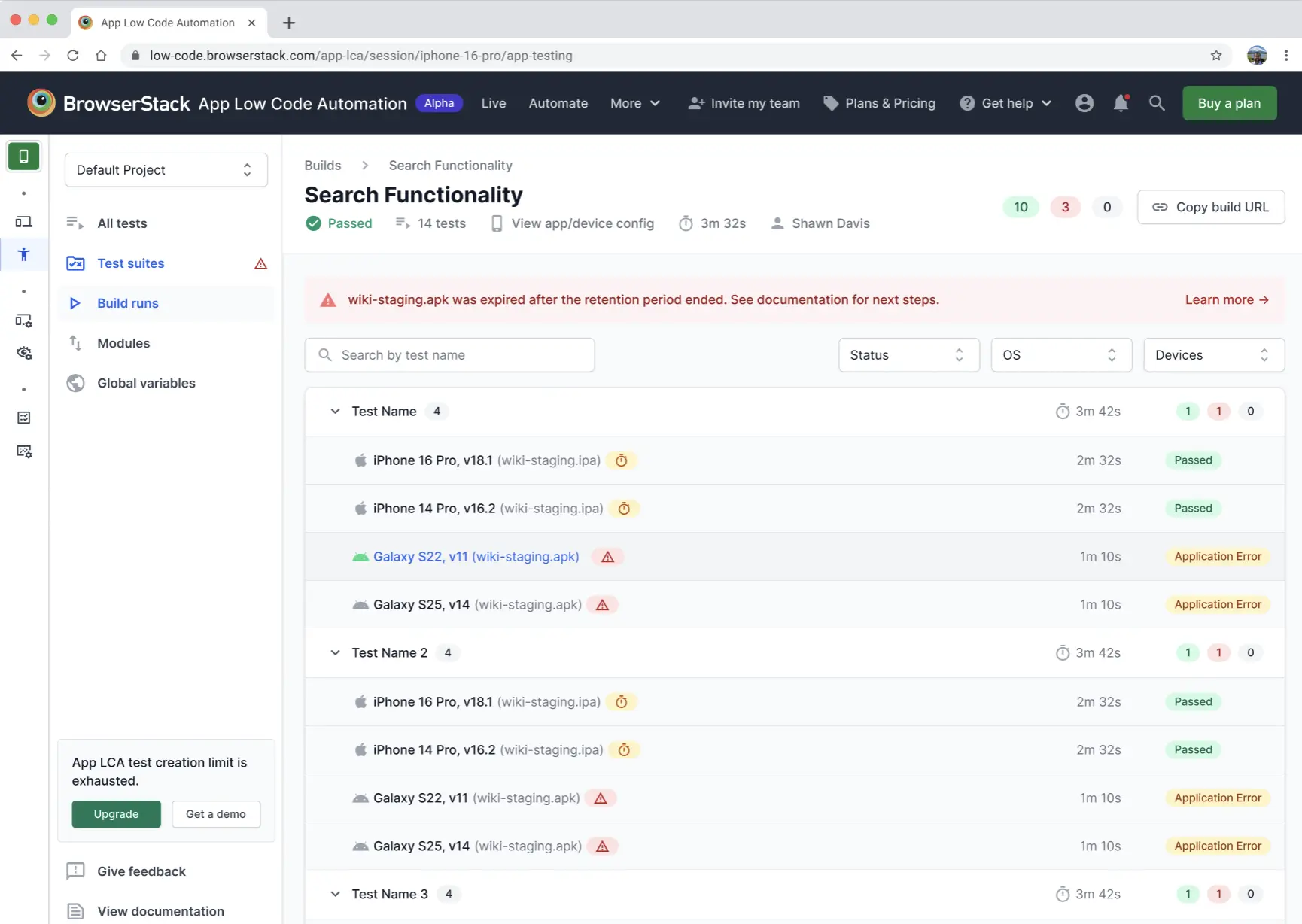
You receive expiry warnings on the Test suite and Builds pages. The following icons help you track the expiry status of your apps:
- Red alert icon: The app has expired, or at least one app has expired and another is expiring soon.
- Red clock icon: The app expires in less than 1 day.
- Yellow clock icon: The app expires in more than 1 day but less than 3 days.
Hover over any icon to view detailed expiry information. If a scheduled build references an expired app, the build is paused and marked as expired.
The following image shows expiry warning icons on the Test suite page:
The following image shows expiry warning icons and paused tests on the Builds page:
To avoid interruptions:
- Manual upload: If your app expires, click Start test on the main dashboard. After the device starts, use the Upload Apps modal to upload the latest app file.
- Automation setting: Always use the most recent app version for your tests. You can also enable the Always use latest version toggle when creating a test suite.
- API integration: Alternatively, you can upload your app directly using the Upload app API. The override of the Always use latest version option occurs when this uploaded app is passed via the Test suite execution API.
For more details, refer to the Test suites documentation.
Delete an app
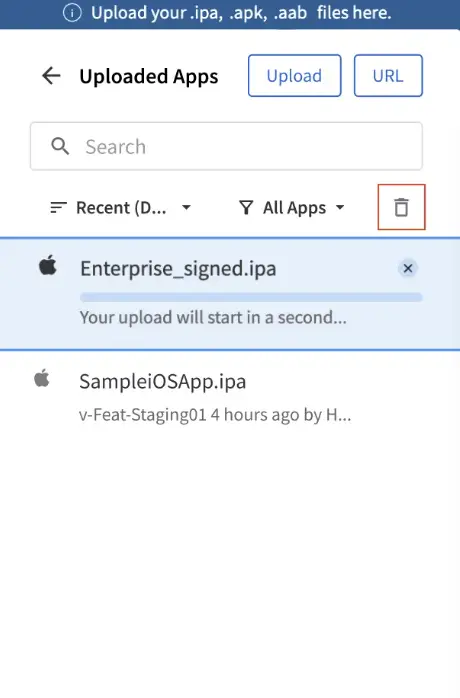
To delete an app, on the Uploaded Apps modal, select the app, and click the Delete icon next to it. You can delete only the apps that you uploaded.
We're sorry to hear that. Please share your feedback so we can do better
Contact our Support team for immediate help while we work on improving our docs.
We're continuously improving our docs. We'd love to know what you liked
We're sorry to hear that. Please share your feedback so we can do better
Contact our Support team for immediate help while we work on improving our docs.
We're continuously improving our docs. We'd love to know what you liked
Thank you for your valuable feedback!