
 Join our Discord
Run your Puppeteer tests on BrowserStack Automate
A quickstart guide to running Puppeteer tests across 100+ desktop browsers on BrowserStack.
BrowserStack lets you run Puppeteer tests on real desktop browsers in the cloud. You connect to BrowserStack’s CDP endpoint instead of launching a local browser, passing your target browser and OS as capabilities.
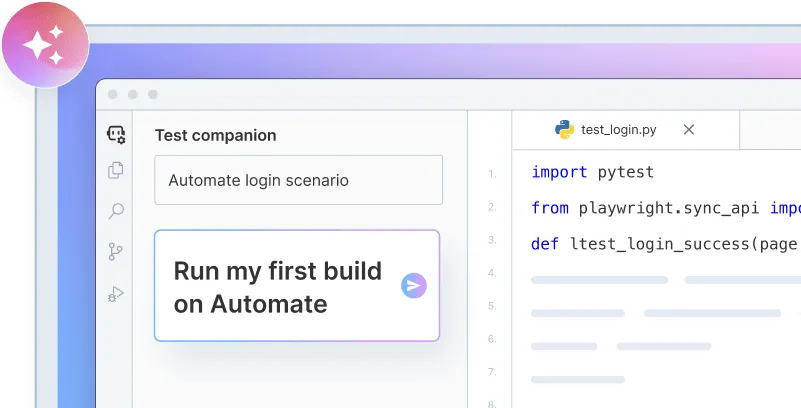
Onboard faster with Test Companion
Launch in your IDE. Chat with the AI assistant to configure and run your first build instantly.
Prerequisites
- Node.js and npm installed.
- A BrowserStack account with your username and access key. Find these in your account settings.
Quickstart
Your username and access key are available in your account settings. If you don’t have an account yet, sign up for a free trial.
Clone the sample repository and install the dependencies:
git clone https://github.com/browserstack/puppeteer-browserstack.git
cd puppeteer-browserstack
npm install
Set your BrowserStack credentials as environment variables:
export BROWSERSTACK_USERNAME="YOUR_USERNAME"
export BROWSERSTACK_ACCESS_KEY="YOUR_ACCESS_KEY"
Alternatively, put your credentials in the browserstack.username and browserstack.accessKey capabilities in the duckduckgo_search.js file in the sample repository.
Run the sample test:
node duckduckgo_search.js
After the test completes, view your results on the BrowserStack Automate dashboard.
Sample test script
The sample test connects to BrowserStack using puppeteer.connect() and the BrowserStack CDP endpoint. The caps object sets the browser, OS, build name, and your credentials. Everything after the connection is standard Puppeteer:
Puppeteer tests run on BrowserStack using a client-server architecture, so test assertions run on the client side and BrowserStack can’t automatically detect pass or fail. Use the browserstack_executor call in your script to mark test status.
Next steps
- Run cross-browser Puppeteer tests in parallel
- Test locally hosted websites
- Migrate your existing test suites to BrowserStack
- Run CodeceptJS Puppeteer tests on BrowserStack
- Run Jest Puppeteer tests on BrowserStack
We're sorry to hear that. Please share your feedback so we can do better
Contact our Support team for immediate help while we work on improving our docs.
We're continuously improving our docs. We'd love to know what you liked
We're sorry to hear that. Please share your feedback so we can do better
Contact our Support team for immediate help while we work on improving our docs.
We're continuously improving our docs. We'd love to know what you liked
Thank you for your valuable feedback!