
 Join our Discord
Selenium with Ruby
BrowserStack gives you instant access to our Selenium Grid of 3000+ real devices and desktop browsers. Running your Selenium tests with Ruby on BrowserStack is simple.

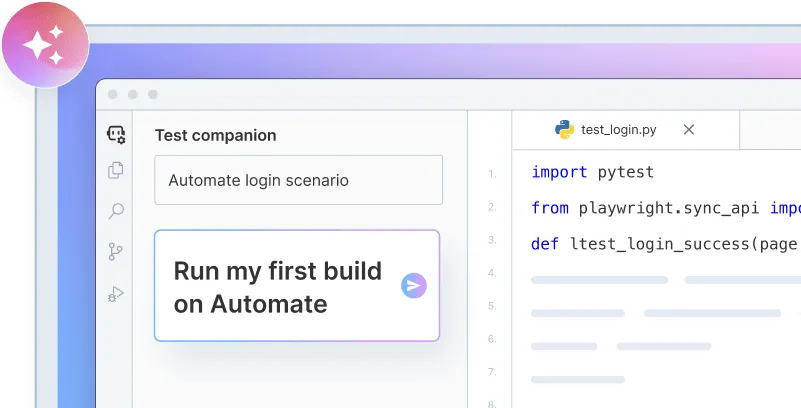
Onboard faster with Test Companion
Launch in your IDE. Chat with the AI assistant to configure and run your first build instantly.
Run a sample Build
Here’s how you can run a sample Ruby test build in three simple steps on BrowserStack:
Get our sample project
Get our sample project using one of the following options.
Option 1: Download the project
Option 2: Clone the sample repository
Clone our sample repository and install the dependencies.
Configure test script
In order to test, you will need to configure a few parameters in the sample repo.
Configure the browser or device combinations
Select desktop browsers or real devices from a list of 3000+ available combinations. You can see the selected device combination in the below code snippet as capabilities:
Copy the code
The following sample test case is available in scripts/parallel.rb. It opens the bstackdemo.com website, adds a product to the cart, and verifies whether the product is added to the cart.
Execute build on BrowserStack
You are now ready to run your build on BrowserStack. From the root directory of this project, run the following command.
Facing issues? View commonly occurring errors
Check the regular culprits
Check if the file is saved correctly and you’ve installed the required packages & libraries installed to run the test. In most cases, searching on Google is helpful.
Authentication errors
If you are facing any authentication errors, you might have not passed or passed incorrect credentials. You can find your Username and Access Key on the Account Settings page. Try running the test again and it should solve your issue!
Behind a proxy?
You might face some connection issues if you are behind a proxy as your network may be blocking traffic to browserstack.com. Just whitelist traffic to *.browserstack.com and you’re all set. If you have a complex network setup, just reach out to our Support team and they’ll work with you to get this working.
Next steps
After you have successfully run your first test on BrowserStack, try integrating your test suite with BrowserStack
We're sorry to hear that. Please share your feedback so we can do better
Contact our Support team for immediate help while we work on improving our docs.
We're continuously improving our docs. We'd love to know what you liked
We're sorry to hear that. Please share your feedback so we can do better
Contact our Support team for immediate help while we work on improving our docs.
We're continuously improving our docs. We'd love to know what you liked
Thank you for your valuable feedback!