
 Join our Discord
Rerun tests on Jenkins
Configure the Jenkins integration so you can rerun failed tests from the Test Reporting & Analytics dashboard.
BrowserStack Test Reporting & Analytics lets you rerun failed tests directly from the dashboard after you integrate Jenkins. This removes the need to manually trigger Jenkins builds.
Before you proceed, complete the main setup to rerun failed tests: Rerun failed tests with Test Reporting & Analytics.
Configure the Jenkins integration
Each user who wants to trigger reruns must complete this setup:
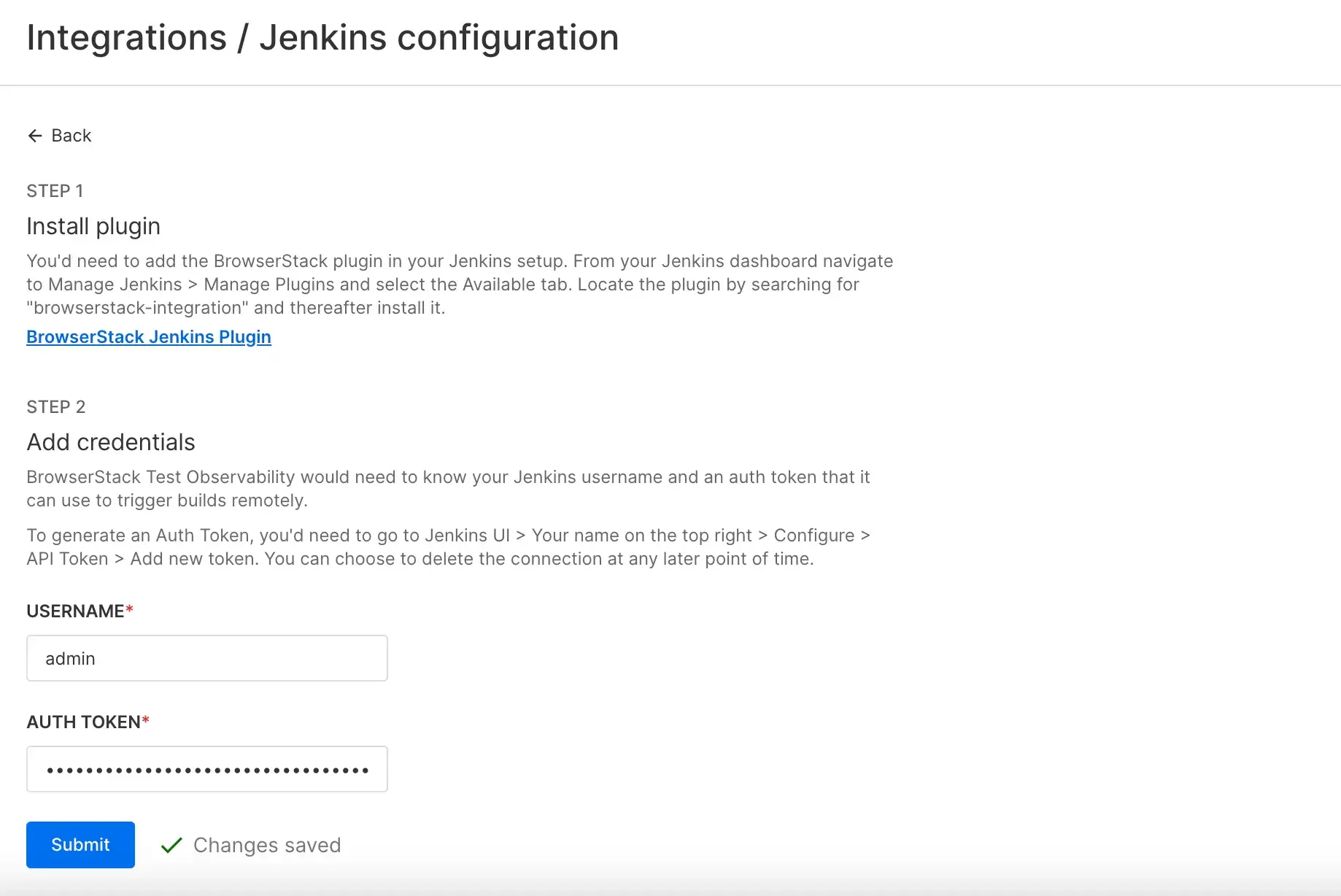
- Go to the Jenkins integration page.
- Install or update the BrowserStack Jenkins plugin, version 1.2.7 or later:
- In Jenkins, go to Manage Jenkins > Manage Plugins > Available.
- Search for browserstack-integration.
- Click Install or Upgrade, then restart Jenkins if prompted.
- Generate an API token:
- In Jenkins, click your username in the top-right corner, then click Configure.
- Under API Token, click Add new token, enter a name, then click Generate.
- In the BrowserStack integration form, enter your Jenkins Username and API Token so that BrowserStack can trigger jobs.
- Click Submit to save.
Trigger reruns
After you complete the CI configuration, follow these steps to rerun failed test cases:
- Go to the Test listing to view failed test cases.
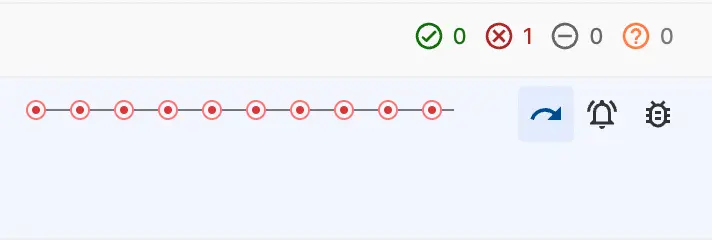
- Hover over the failed test name to display the action icons.
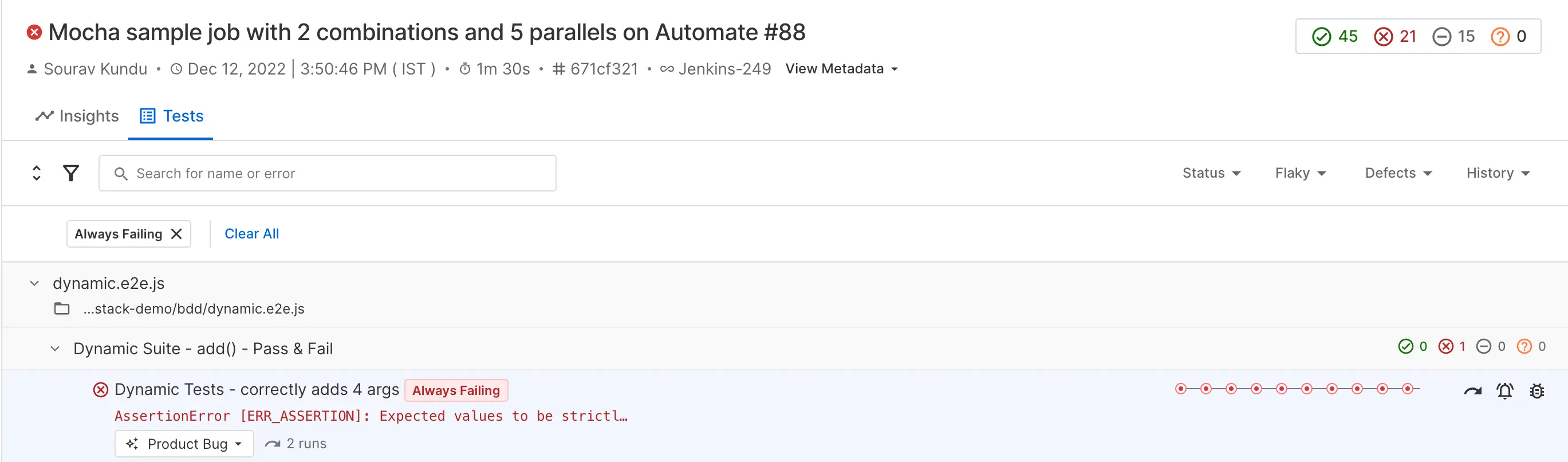
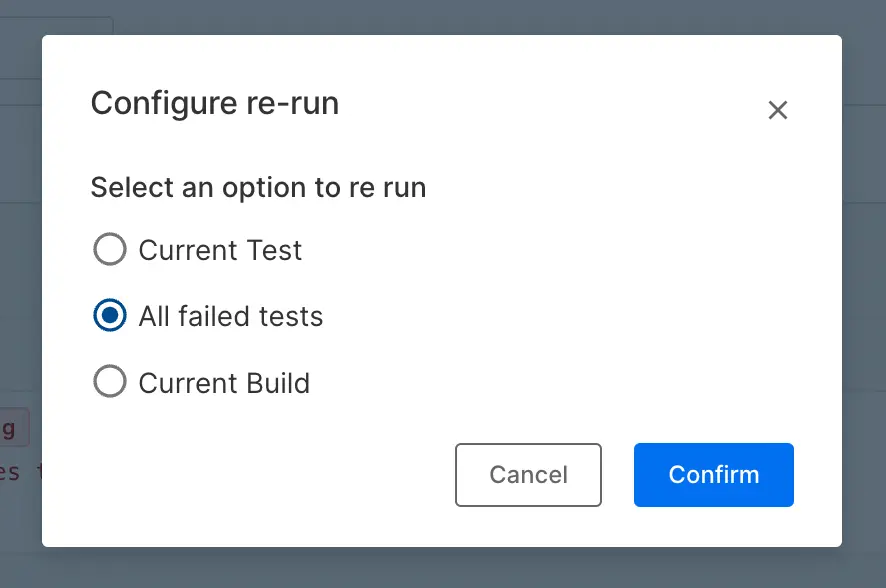
- Click the rerun icon to open the rerun options.
Related topics
We're sorry to hear that. Please share your feedback so we can do better
Contact our Support team for immediate help while we work on improving our docs.
We're continuously improving our docs. We'd love to know what you liked
We're sorry to hear that. Please share your feedback so we can do better
Contact our Support team for immediate help while we work on improving our docs.
We're continuously improving our docs. We'd love to know what you liked
Thank you for your valuable feedback!