
 Join our Discord
Get started with Accessibility Design Toolkit
Simply install the plugin within Figma and get started with running Accessibility tests on your design files
To get started with BrowserStack’s Accessibility Design Toolkit, all you need to do is run the plugin directly on Figma’s interface. The plugin then allows designers to test and improve accessibility as a part of their daily workflow.
Prerequisite
Before you can use the Accessibility Design Toolkit plugin, your admin must approve it. For more information, see Manage plugins and widgets in an organization.
Integrate plugin
Follow these steps to integrate the Accessibility Design Toolkit plugin into Figma’s interface:
- Search for “BrowserStack Accessibility Design Toolkit” in Figma’s plugin marketplace or access the plugin directly using this link.
- Click the Open in… button and select the Figma file in which you want to use the plugin.
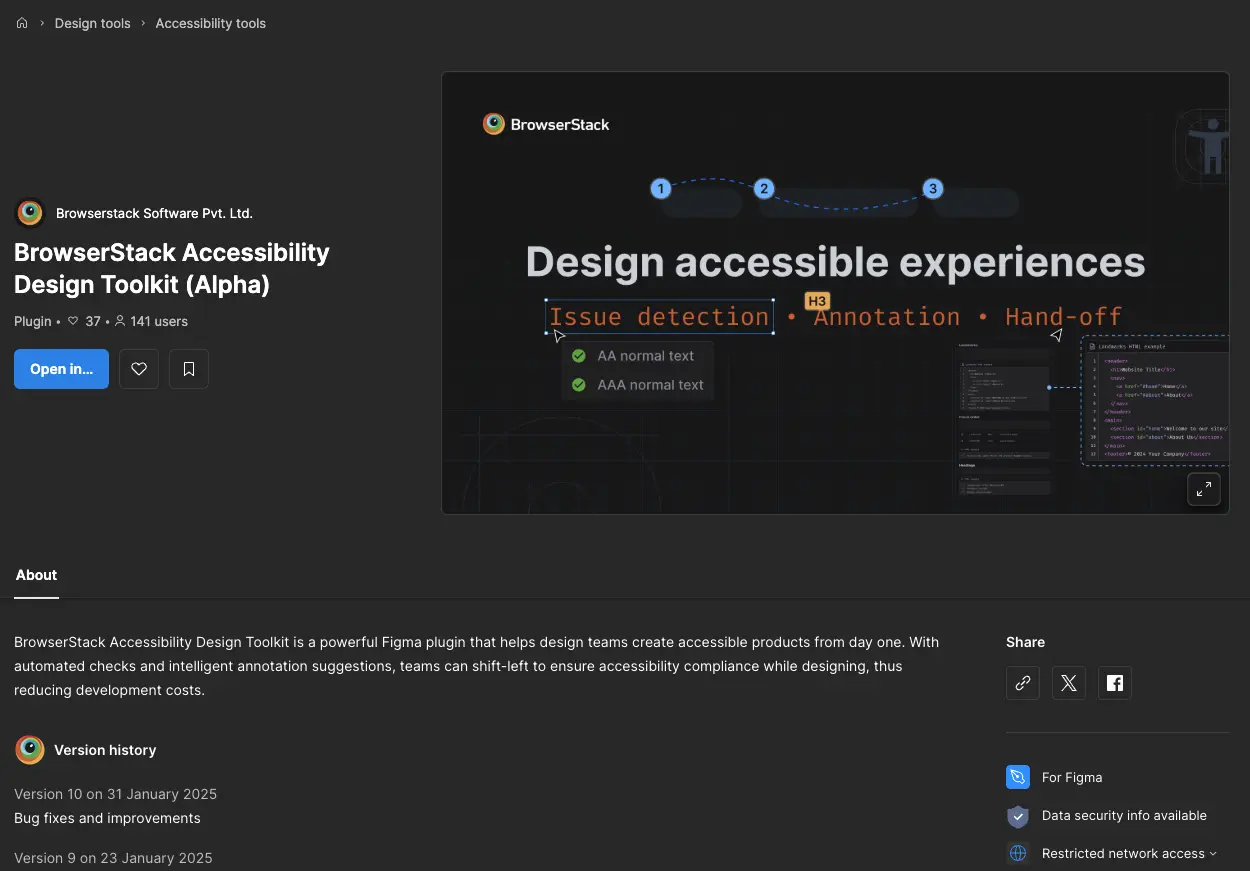
Note: Alternatively, in the Figma file, access the plugin by navigating to the Actions icon > Plugins & widgets tab > BrowserStack Accessibility Design Toolkit.
 - Use your BrowserStack credentials to sign in to the toolkit.
On sign in, you can access all the features of the Accessibility Design Toolkit.
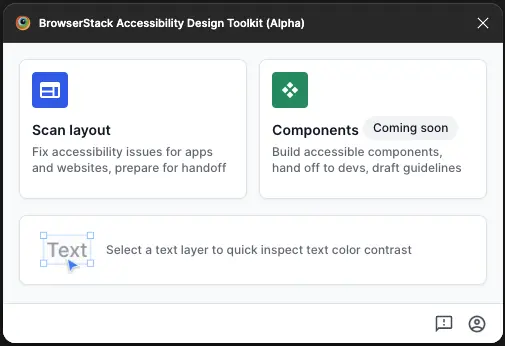
For organizations with an approval flow in place, admins must approve the plugin for use by their teams. For more information, see Figma’s documentation.
Next steps
We're sorry to hear that. Please share your feedback so we can do better
Contact our Support team for immediate help while we work on improving our docs.
We're continuously improving our docs. We'd love to know what you liked
We're sorry to hear that. Please share your feedback so we can do better
Contact our Support team for immediate help while we work on improving our docs.
We're continuously improving our docs. We'd love to know what you liked
Thank you for your valuable feedback!