
 Join our Discord
Run Appium tests using Nightwatch
Your guide to running tests using Nightwatch on BrowserStack’s Appium Grid of 3000+ real devices.

In this document, you’ll learn how to set up your Nightwatch Appium testing environment, configure your test settings, and execute your first automated test on BrowserStack’s real device cloud. We’ll walk you through each step, from initial setup to viewing your test results on the dashboard.
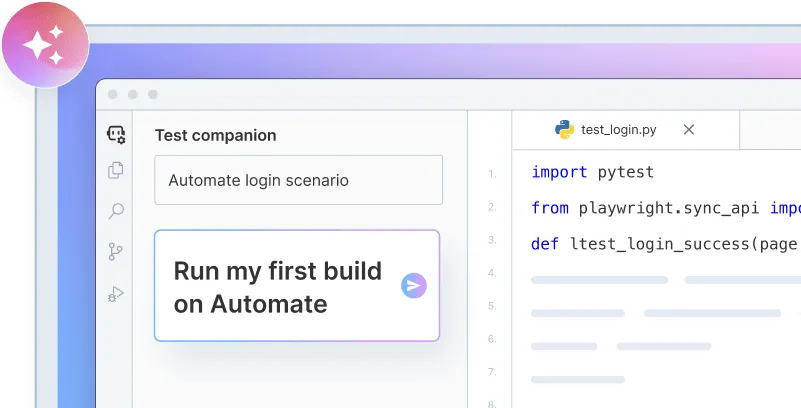
Onboard faster with Test Companion
Launch in your IDE. Chat with the AI assistant to configure and run your first build instantly.
Prerequisites
- BrowserStack
usernameandaccess key, which you can find in your profile settings. If you have not created an account yet, you can sign up for a free trial. - Node.js 14+ installed on your system. You can download the updated Node version from nodejs.org.
You can download and test using our sample Android app or sample iOS app.
Run a sample build
Here’s how you can run a sample Nightwatch test build in three steps on BrowserStack:
Execute the build on BrowserStack
You are now ready to run your build on BrowserStack. From the root directory of this project (Android/iOS), run one of the following commands according to your requirements:
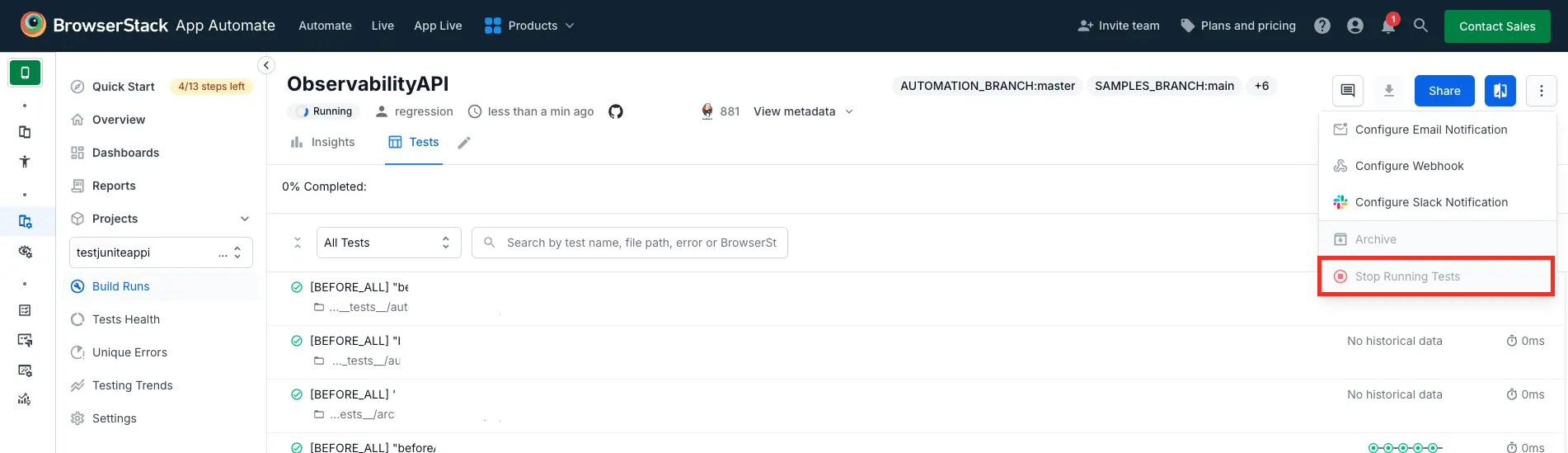
If a test run stops due to a crash, you can stop the build from running by clicking the Stop build option from the App Automate dashboard.
Next Steps
Once you have successfully run the sample test on BrowserStack, check the following:
- Integrate your test suites with BrowserStack
- Generate a list of capabilities that you want to use in tests.
- Find information about your projects, builds, and sessions using our REST APIs.
Need help?
If you have any queries, get in touch with us.
We're sorry to hear that. Please share your feedback so we can do better
Contact our Support team for immediate help while we work on improving our docs.
We're continuously improving our docs. We'd love to know what you liked
We're sorry to hear that. Please share your feedback so we can do better
Contact our Support team for immediate help while we work on improving our docs.
We're continuously improving our docs. We'd love to know what you liked
Thank you for your valuable feedback!