
 Join our Discord
Delete uploaded apps
Learn how to delete uploaded apps on BrowserStack App Automate using Espresso
BrowserStack deletes uploaded apps 30 days after their last use. If an app remains idle, it is deleted 30 days after the upload date. You can also use our REST API to explicitly delete an app before that, by any of the following ways:
- You can only delete apps that you uploaded.
- You do not have the option to recover or restore an app once it has been deleted from our servers.
Here is the API request that uses the uploaded app’s app_id to delete it:
curl -u "YOUR_USERNAME:YOUR_ACCESS_KEY" \
-X DELETE "https://api-cloud.browserstack.com/app-automate/espresso/v2/apps/<APP_ID>"
When you upload an app, the response returns the app URL in the format "app_url": "bs://<APP_ID>". The app ID is the hash after bs://. For example, if the app_url is bs://c8ddcb5649a8280ca800075bfd8f151115bba6b3, the app ID is c8ddcb5649a8280ca800075bfd8f151115bba6b3. Pass only the app ID in the request URL. If you include the bs:// prefix, the request returns a 404 error.
If the app_id is correct, BrowserStack deletes the uploaded app and returns the following response:
{
    "success": {
        "message": "App with url bs://c8ddcb5649a8280ca800075bfd8f151115bba6b3 was deleted."
    }
}
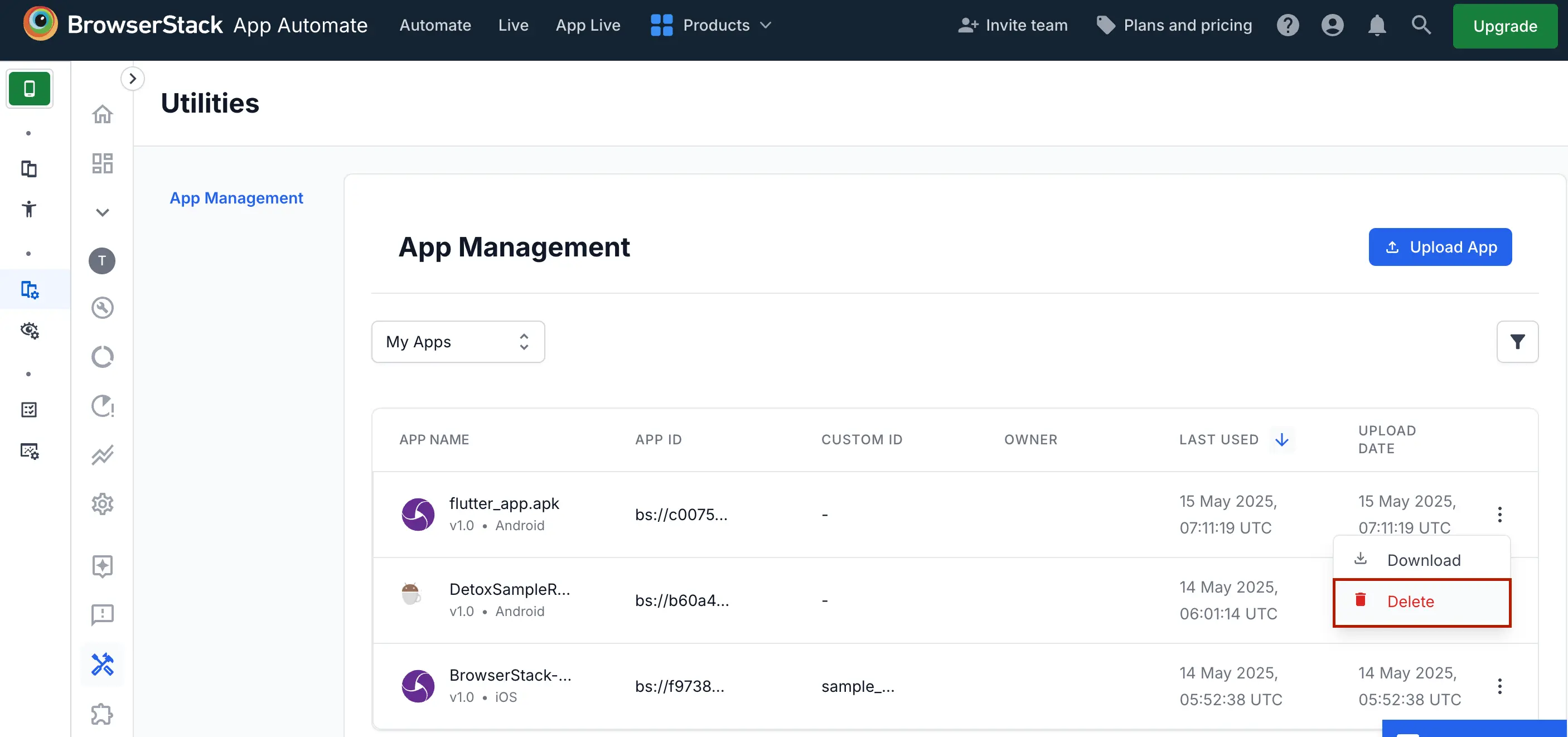
To manage your apps, refer to the documentation on managing apps using App Management UI.
We're sorry to hear that. Please share your feedback so we can do better
Contact our Support team for immediate help while we work on improving our docs.
We're continuously improving our docs. We'd love to know what you liked
We're sorry to hear that. Please share your feedback so we can do better
Contact our Support team for immediate help while we work on improving our docs.
We're continuously improving our docs. We'd love to know what you liked
Thank you for your valuable feedback!