
 Join our Discord
Find a missing test result in Test Management for Jira
Find a test result that you added in BrowserStack Test Management for Jira but cannot see, and learn which tab shows which results.
A result you record is always stored. The tab you open decides which results you see.
Test result does not appear where you expect
You added a result to a test case in a test run, but you cannot find it. Or you see different results than you expect. Each tab shows a different set of results, so check that you are looking in the right place:
| Location | Results shown |
|---|---|
| Test Cases tab > test case > Results | Every result for this test case, across all test runs |
| Test Runs tab > test run > test case > Results | Results for this test case in this test run only |
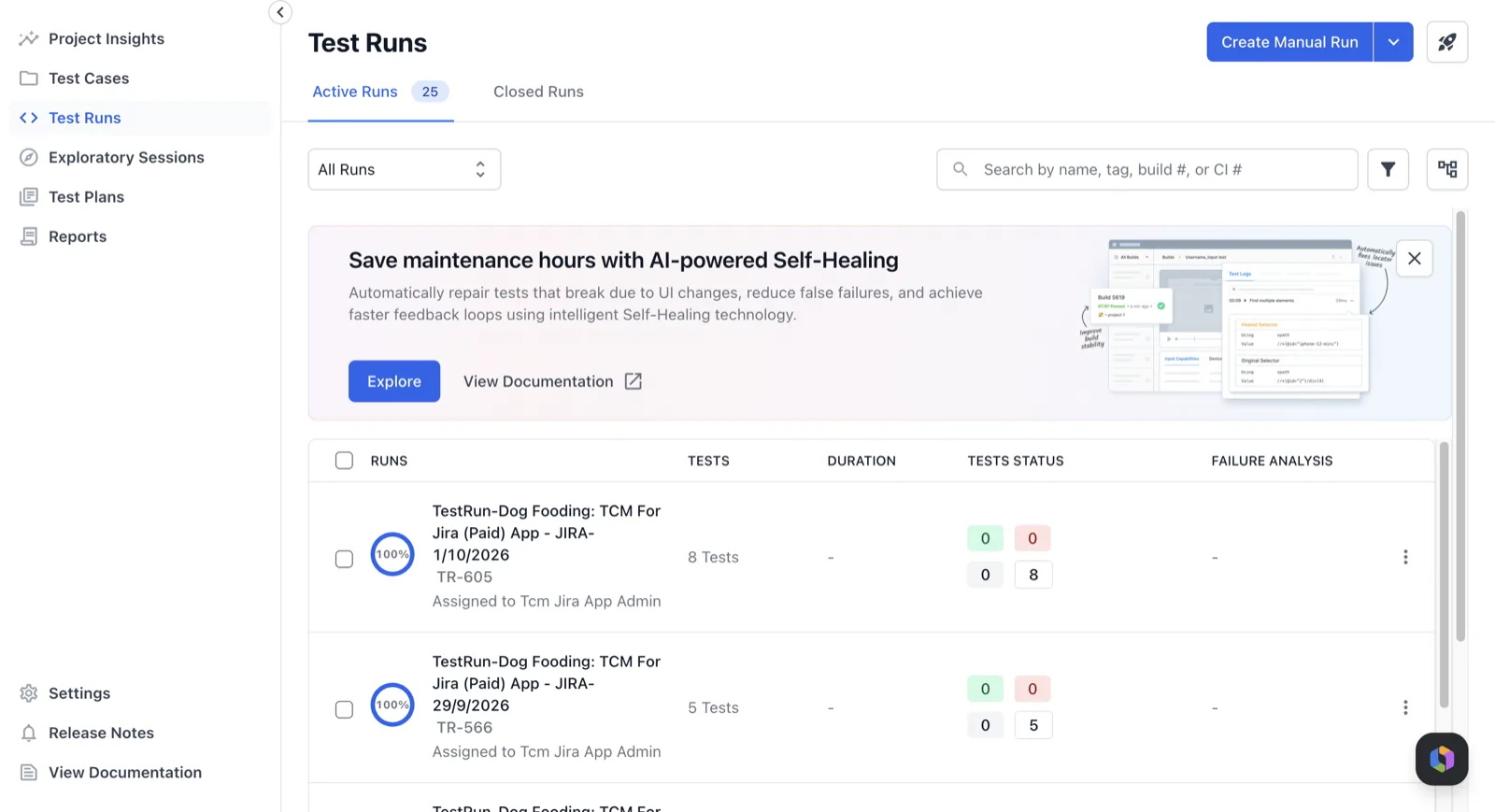
Test Management for Jira has no Execution Results tab on a Jira issue. That tab belongs to the BrowserStack Test Management (Webapp) Integration for Jira app, which is a different app. In Test Management for Jira, a result belongs to the test case and the test run. It does not appear in the issue view.
Solution: Open the test case from the Test Cases tab and select Results to see every result for it. To see the result for one run only, open the run from the Test Runs tab first. To record a result, see Add a result.
Next steps
- Add a result to record results and attach issues.
- View test cases in a test run to open a test case from a run.
We're sorry to hear that. Please share your feedback so we can do better
Contact our Support team for immediate help while we work on improving our docs.
We're continuously improving our docs. We'd love to know what you liked
We're sorry to hear that. Please share your feedback so we can do better
Contact our Support team for immediate help while we work on improving our docs.
We're continuously improving our docs. We'd love to know what you liked
Thank you for your valuable feedback!