
 Join our Discord
View and download network logs for Appium tests
View network logs for your Appium tests on the App Automate dashboard, download them as HAR files, or import them using the REST API.
Network logs are available only for sessions where you enabled network logs.
Network logs are available on the BrowserStack dashboard for 30 days. These logs are deleted after 30 days from the day they are generated.
View network logs on the dashboard
You can view network logs from the test session details page on the App Automate dashboard. To view or download the logs, select Raw Logs.
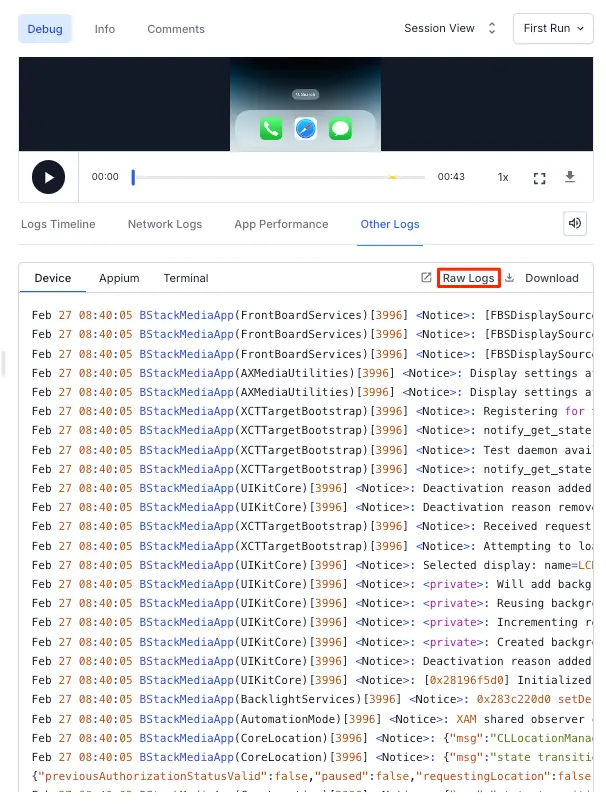
The following example shows network logs for a session:
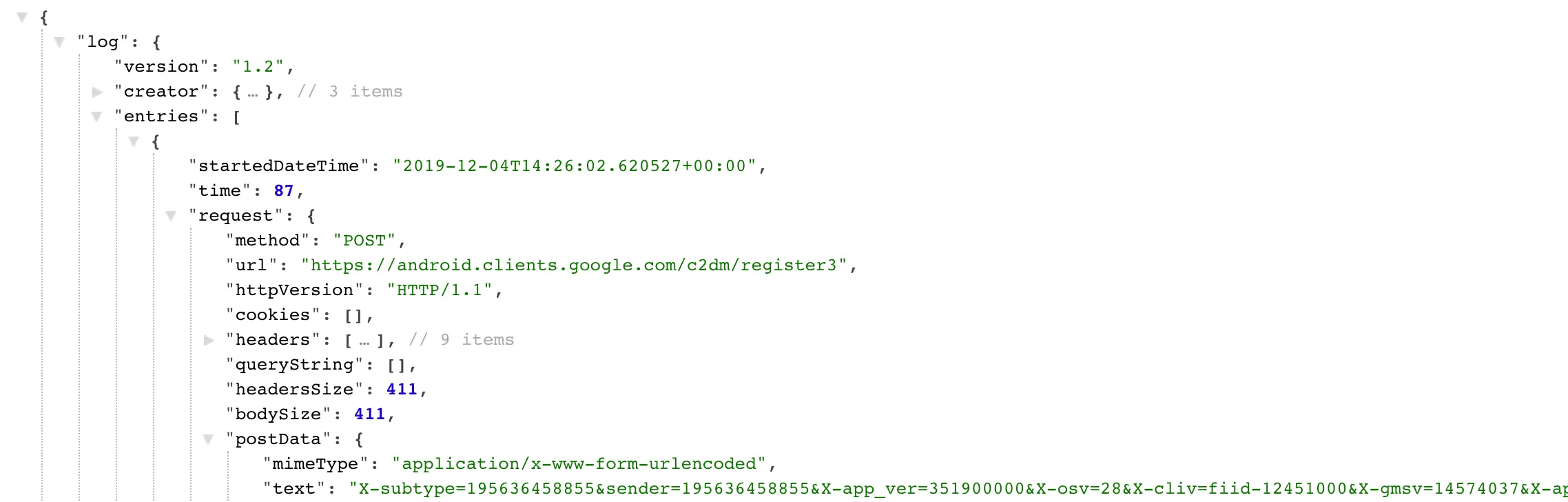
Network logs use the HAR (HTTP Archive) format. You can visualize downloaded HAR files using the HAR Viewer.
Import network logs using REST API
You can import the network logs from your test session using the REST API:
For the full request and response reference, see the sessions REST API.
View real-time network logs
If you route your app traffic through a local proxy, such as Charles Proxy, you can view network logs only in real time during the session. To do so, set the browserstackLocal capability, or the browserstack.local capability for non-SDK setups, to true. For detailed setup steps, see Set up Charles Proxy with App Automate.
Enabling this option captures logs only in real time, and they are not available for viewing or download after the session ends.
Related topics
We're sorry to hear that. Please share your feedback so we can do better
Contact our Support team for immediate help while we work on improving our docs.
We're continuously improving our docs. We'd love to know what you liked
We're sorry to hear that. Please share your feedback so we can do better
Contact our Support team for immediate help while we work on improving our docs.
We're continuously improving our docs. We'd love to know what you liked
Thank you for your valuable feedback!