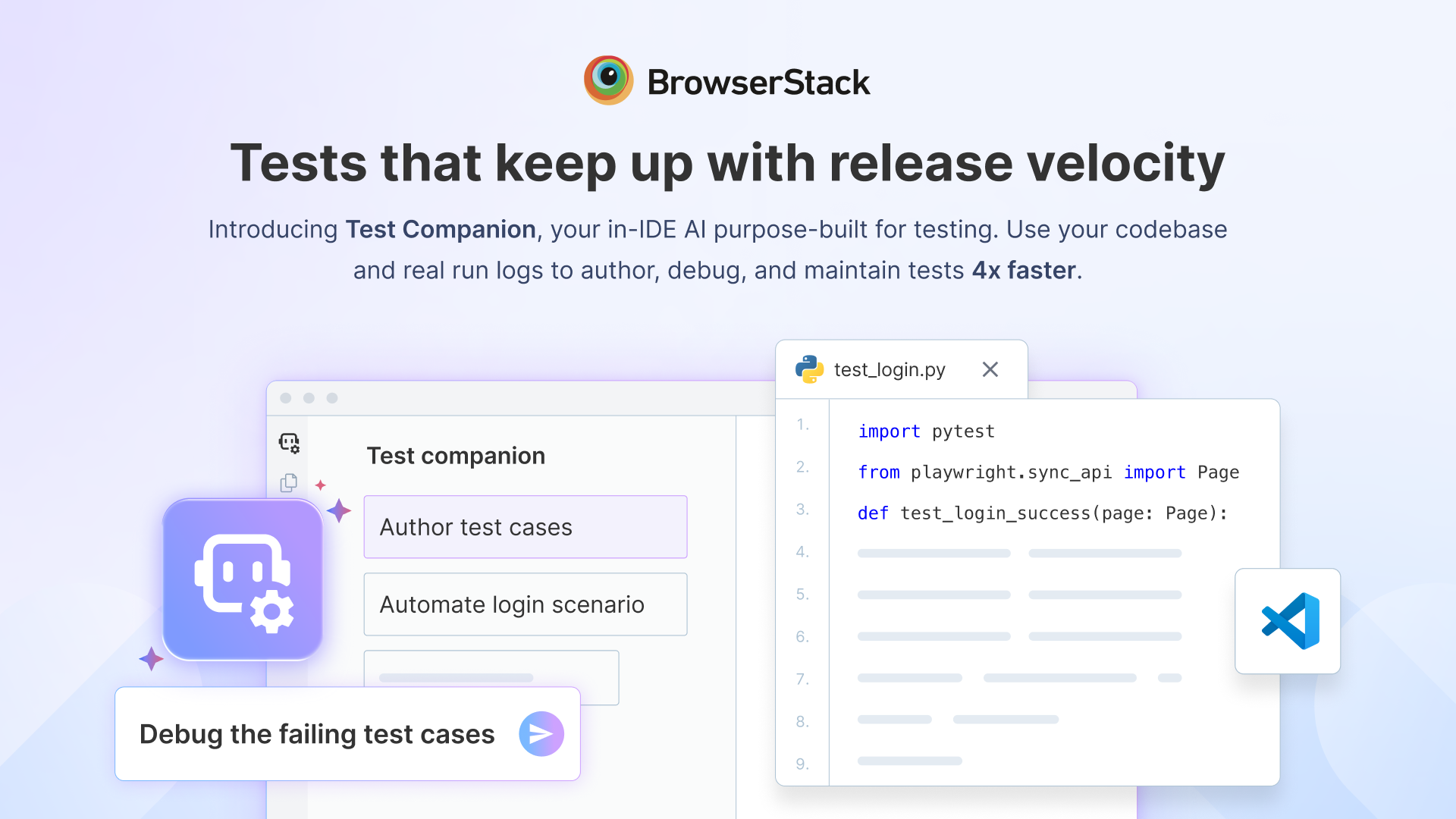
Over the past year, AI has completely changed how software gets built. Features that once took days can now be scaffolded in minutes. Developers are shipping more code than ever before. But if you're part of a QA team, you've probably noticed something else: Testing hasn't sped up at the same pace.
Industry data backs this up. Recent research shows AI coding agents can increase coding activity (commits) by up to 180%, while actual shipped releases grow by only around 30%. That gap is where QA lives now.
Someone asks an AI assistant to build a feature, and within minutes there's a new flow ready for review. But the testing work doesn't disappear. Someone still has to create automation, investigate failures, maintain brittle tests, update locators, and understand why that one flaky test only fails in CI.
In other words, AI solved “how quickly can we build?”, but not “how safely can we release?”. The result: QA becomes the bottleneck, and teams quietly compromise—either slow down releases or ship with less coverage than they’d like.
Test Companion is designed for this exact gap: high‑velocity dev teams held back by traditional QA workflows. It’s BrowserStack’s agentic AI for test automation that sits directly inside your IDE and works with the frameworks and tools you already use. It helps SDETs and QA teams author, execute, debug, and maintain tests up to 4x faster, across web and mobile, without changing their stack.
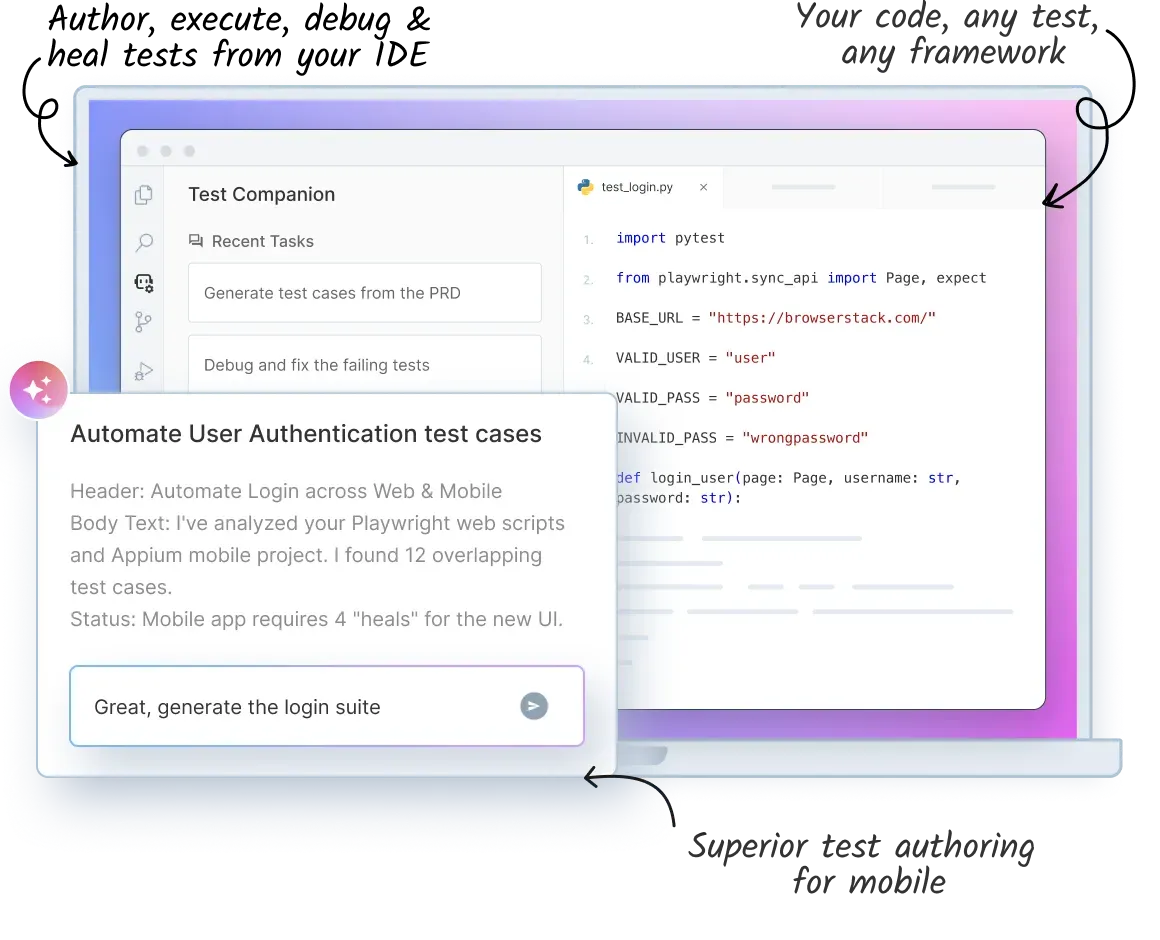
Test Companion builds on BrowserStack's growing AI portfolio, bringing intelligent testing directly into the IDE. Combined with our BrowserStack MCP Server and specialised AI agents, it helps QA teams move faster without changing the way they already work.
What Test Companion Actually Does Inside Your IDE
Test Companion brings an end‑to‑end agentic testing harness into the tools teams already use. For QA leaders and engineering managers, this means higher release velocity without giving up control over frameworks, standards, or governance.
Capabilities you get on day one:
Agentic workflows for the entire test cycle:
- Author functional, visual, accessibility, and API tests faster, directly from requirements, flows, or exploratory sessions.
- Use specialised agents to debug failures, analyze logs, and suggest actionable fixes when tests break.
- Heal brittle tests by updating selectors and assertions in line with current UI and app behavior.
- Run exploratory testing on web and mobile to discover edge cases and coverage gaps you might miss in scripted flows.
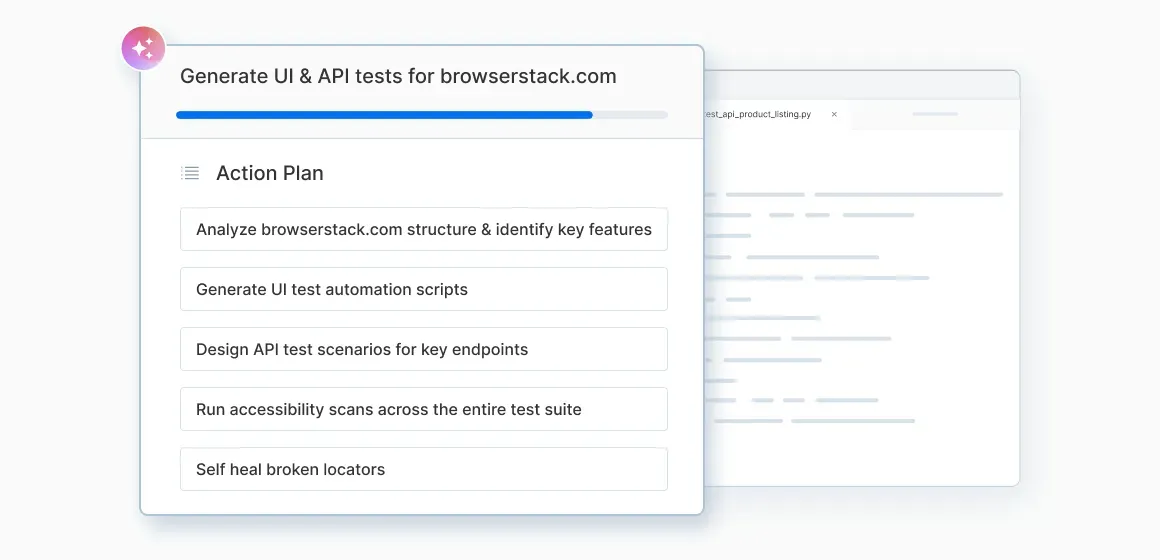
Superior test authoring for real mobile devices:
Test Companion goes beyond emulator‑only tools:
- Author tests that are purpose‑built for how real devices behave, not just how emulators behave.
- Cover authentication flows like biometric prompts, passcode, Face ID, and other device‑level interactions.
- Run tests on real iOS and Android hardware in BrowserStack’s cloud, catching issues that only show up on actual devices.
The outcome: mobile tests that actually reflect what users experience in their hands.
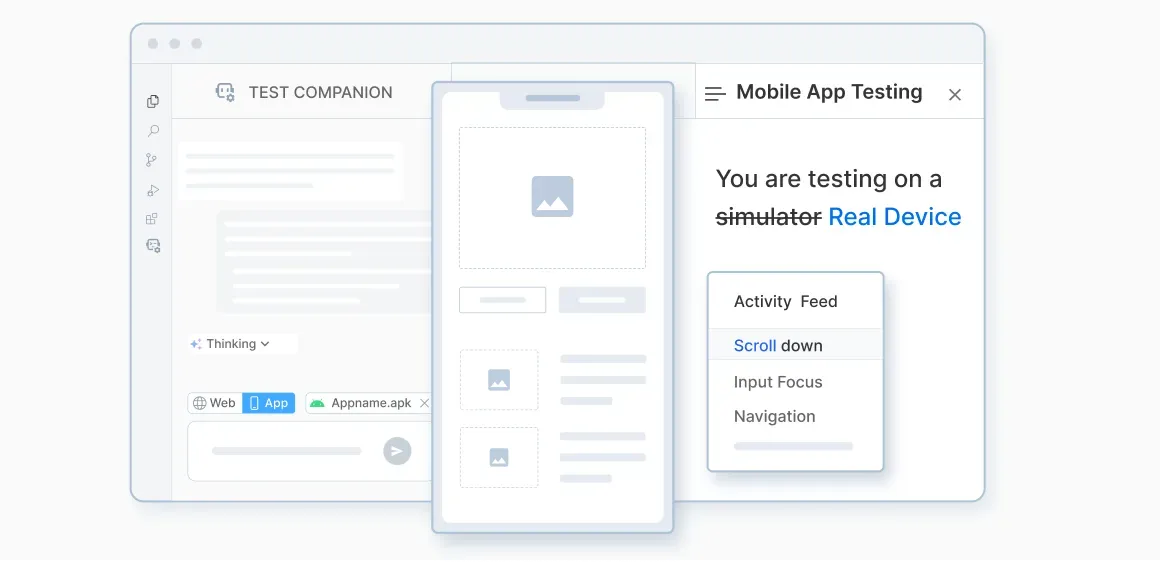
Works with your frameworks and tools:
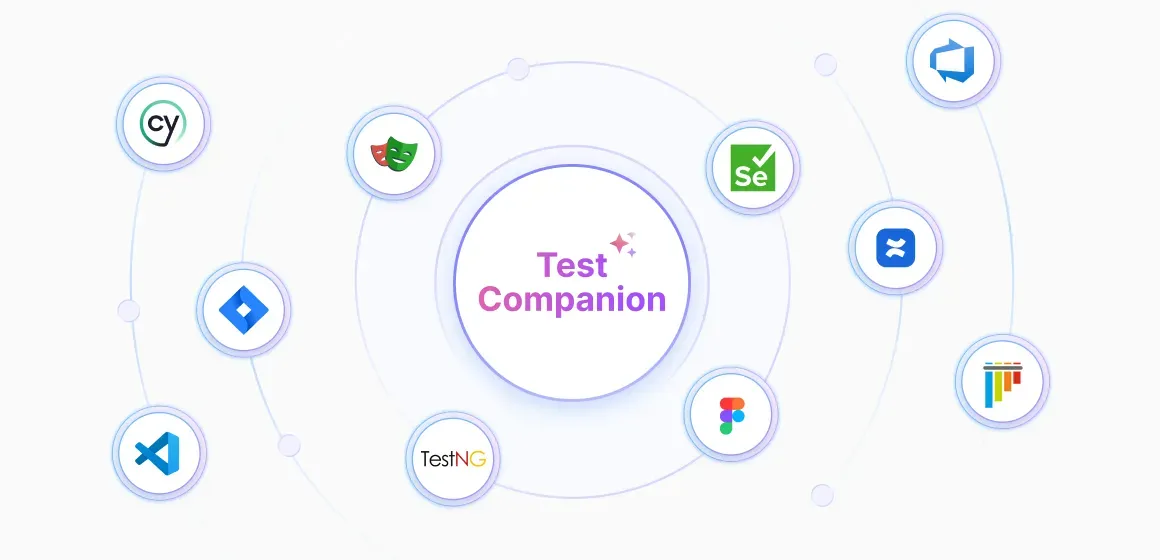
- Supports major automation frameworks including Playwright, Cypress, WebdriverIO, Appium, and more, so you don’t have to switch stacks.
- Connects with Jira, test management, and reporting, keeping tests, runs, logs, and fixes in one place.
- Understands your test structure, patterns, and utilities, and fits into your CI/CD and reporting pipelines.
Why Context Changes Everything
What makes Test Companion different from generic AI tools is that it’s purpose-built specifically for testing.
Generic AI assistants are great at generating code, but they don’t understand your test strategy, frameworks, or real‑device behavior. When you ask a generic AI tool to generate a test, it has no idea:
- How your suite is structured—page objects, utilities, fixtures, helpers.
- Which frameworks and tools you actually use for web, mobile, API, and visual testing.
- What “good coverage” looks like for your team, your product, or your release gates.
Test Companion scans your repository, understands your test patterns, utilities, and conventions, and adapts to them out of the box.
So instead of dumping generic scripts, it generates and maintains tests that look like your own code, plug into your real frameworks, and run on real devices and browsers in BrowserStack’s cloud.
Getting Started With Test Companion
Getting started takes just a few minutes.
- Install Test Companion in your IDE, connect it to your existing repository, and let it learn how your team already writes tests.
- Whether you start by generating automation for a new feature, debugging a flaky suite, or maintaining existing tests, Test Companion works alongside your current frameworks rather than replacing them.
- As your team becomes comfortable, you can expand usage across projects while keeping the same workflows and standards you've already established.
If your team is looking for a faster way to generate, debug, execute, and maintain tests without changing the tools you already use, you might want to check this out.
Start testing faster with Test Companion for free!

