Are you sure you want to change your preference to ?
Your previous selection was
.
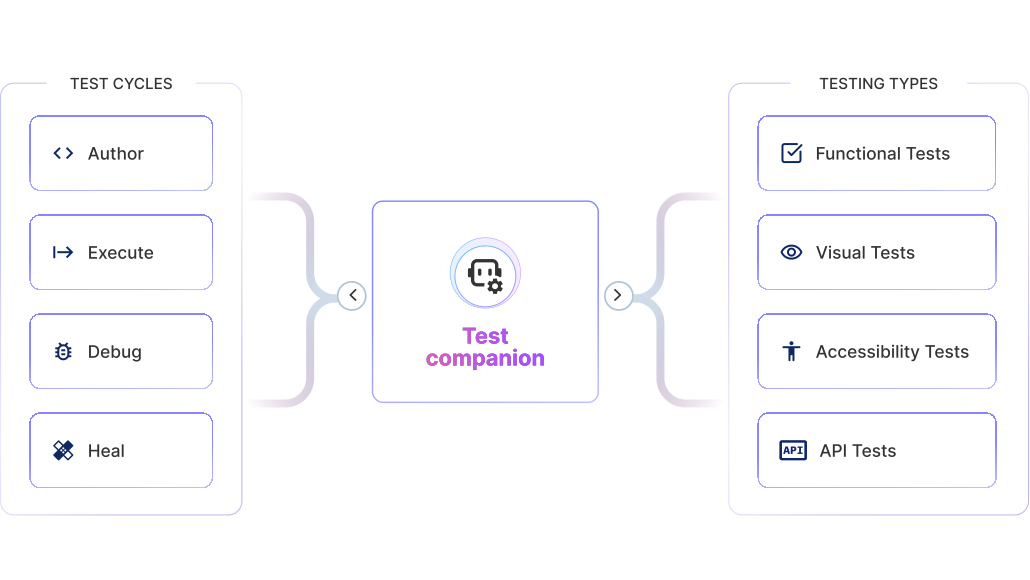
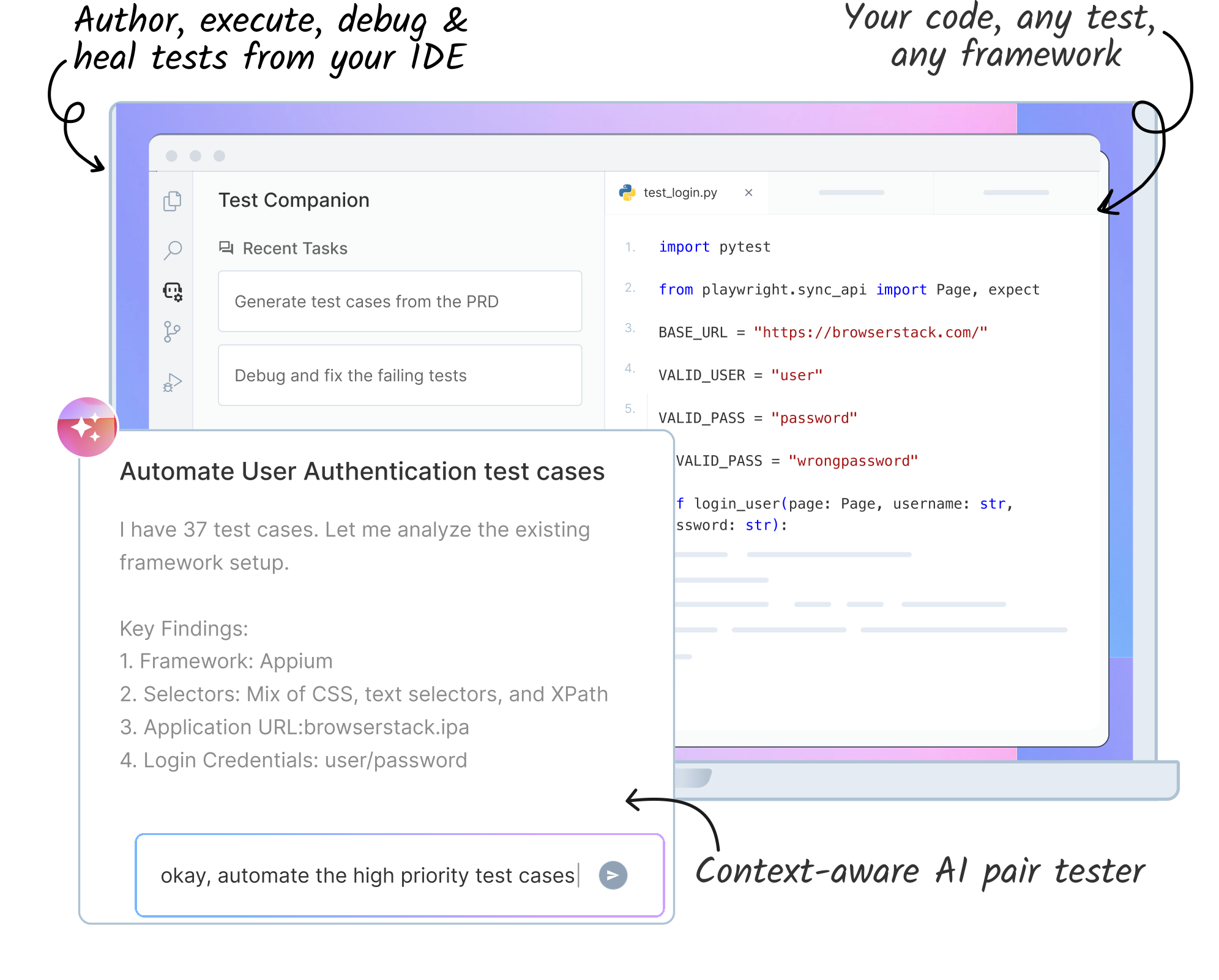
An AI-powered testing assistant that integrates into your IDE to generate test cases, write automation scripts, debug failures, and fix accessibility issues without leaving your editor.

Generate test cases
Create detailed test cases with steps, expected results, and priorities from PRDs, specs, user stories, or by exploring a live URL or mobile app.

Write automation scripts
Produce code for the framework your project already uses, including Playwright, Cypress, WebdriverIO, Selenium, Appium, Robot, Cucumber and more.

Debug and fix failing tests
Connect to Test Reporting & Analytics or paste error logs to identify root causes and apply test-level fixes from the IDE.

Find and fix accessibility violations
Scan web applications against WCAG standards and apply automated code remediation directly to your source files.


Install the Test Companion extension, verify the setup, and sign in to your BrowserStack account.
Create detailed test cases from requirement docs, user stories, or by exploring a live URL.
Convert manual test cases into automation scripts in your project's preferred framework.
Connect iOS or Android apps to Test Companion and generate test cases from real device sessions.
Validate local code changes and recent commits before opening a pull request.
Scan against WCAG standards and apply automated code fixes directly to your source files.
Configure project-specific rules, and preferences to align Test Companion with your standards.
Build skills as reusable playbooks with your project context, credentials, and file paths.
Organize, edit, and sync generated test cases with your BrowserStack Test Management project.
Upload iOS or Android apps to BrowserStack and start AI-driven exploration on real devices.
Diagnose root causes of failing builds and apply suggested fixes without leaving your editor.
Connect Zephyr Scale, Xray, and BrowserStack Test Management to sync test cases with your team.
Get your setup working faster. Join our Discord for optimisation tips from elite testers.
Join our Discord